Signing in
On Loomio.com, you can sign in with a passkey, your email and password, an emailed sign-in code, or Google. You can choose whichever available method is most convenient for you.
Sign in with a passkey
Select Use a passkey. Your browser or device shows the Loomio passkeys available to you and asks you to unlock the selected passkey with its normal screen lock, fingerprint, face recognition, PIN, or security key. You do not enter an email address first.
You can add, name, and remove passkeys from your profile. For security, Loomio may ask you to sign in again before changing them. Give each passkey a recognizable name such as “Work laptop” or “Phone”. Passkeys are tied to the Loomio site where they were created and may be synchronized by your device or password manager.
Sign in with email and password
Enter your email address and password, then select Sign in. For account privacy, Loomio uses the same error when the email or password cannot be used to sign in.
If you have not added a passkey, Loomio offers to add one after you sign in with a password. You can dismiss the offer, and Loomio will remember your choice.
If you do not have a password or cannot remember it, select Send me a code instead.
Get a sign-in code
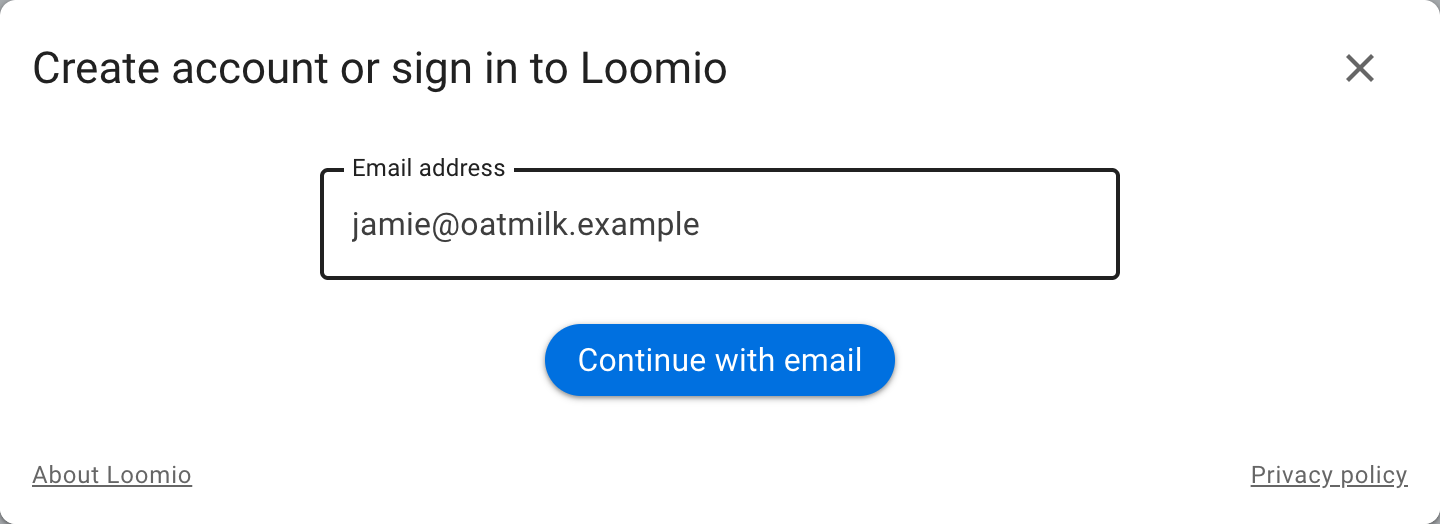
Select Send me a code, enter your email address, and submit the form. Loomio displays the same confirmation whether or not the address belongs to an account, so another person cannot use the form to discover who uses Loomio.
If the address belongs to your account, Loomio sends a six-digit code. Return to the sign-in form, enter the code, and select Sign in. Sign-in codes normally expire after 24 hours and cannot be reused. Check your spam folder if the message does not arrive, and make sure you entered the address associated with your account.
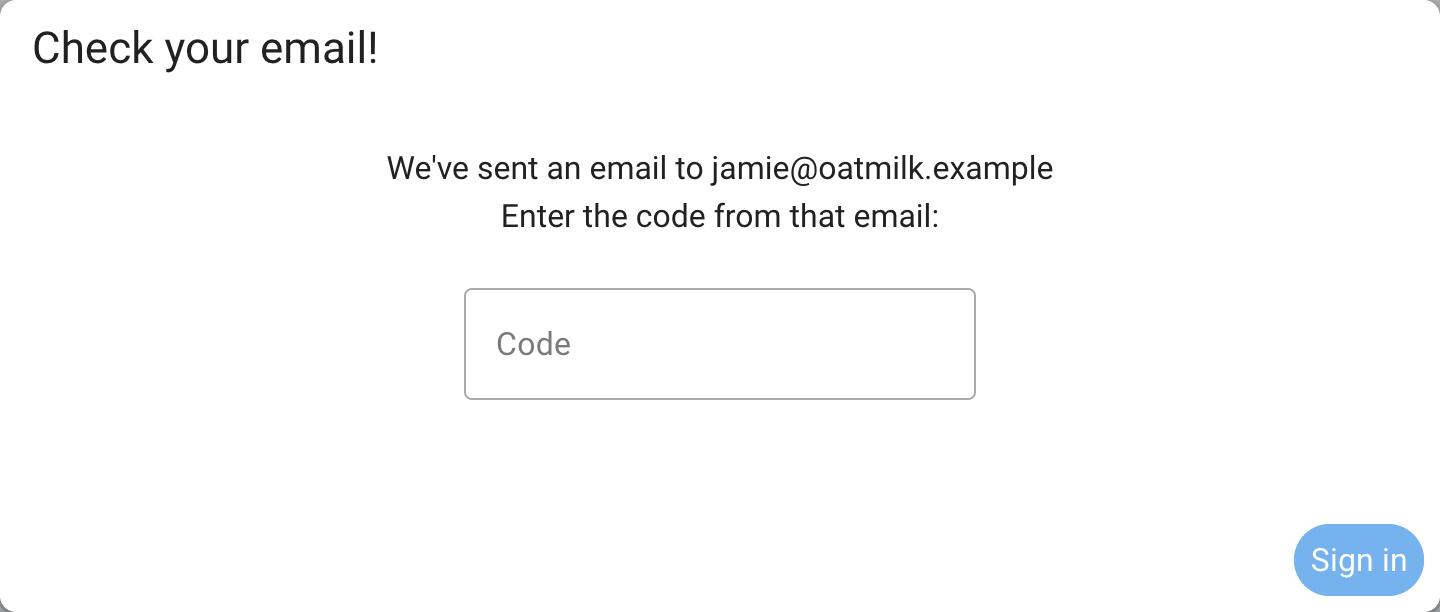
After each sign-in with a code, Loomio offers to set or replace your password. If your browser supports passkeys, you can also add one, even if you have already added a passkey on another device. A passkey lets you sign in quickly with your device’s fingerprint, face, or screen lock. You can skip the offer and continue using emailed codes.
Create an account
Select Create account and follow the email-verification steps.
For privacy, use the same email address that received your group invitation. If you have accounts under more than one address, you can merge your accounts.
Sign in with Google
Select Sign in with Google and authenticate with your Google account. If an existing Loomio account has the same email address, Loomio links the Google identity to that account.
Other Loomio sites
Organizations that host their own Loomio site can configure different sign-in methods. A site may offer passwords, emailed codes, passkeys, Google, SAML, or another OAuth provider alongside each other.
Some sites require an invitation before you can create an account. On these sites, Create account appears only when you follow an invitation link.
An SSO-only private site shows only its organization sign-in option. It does not offer Loomio-managed passwords, emailed sign-in codes, native account creation, or Loomio-managed passkeys. If the organization uses passkeys, its identity provider asks for them during SSO.
Sign out
Open the sidebar, select your name, then select Sign out. On a shared computer, sign out when you finish rather than closing only the browser tab.