Delegated voters
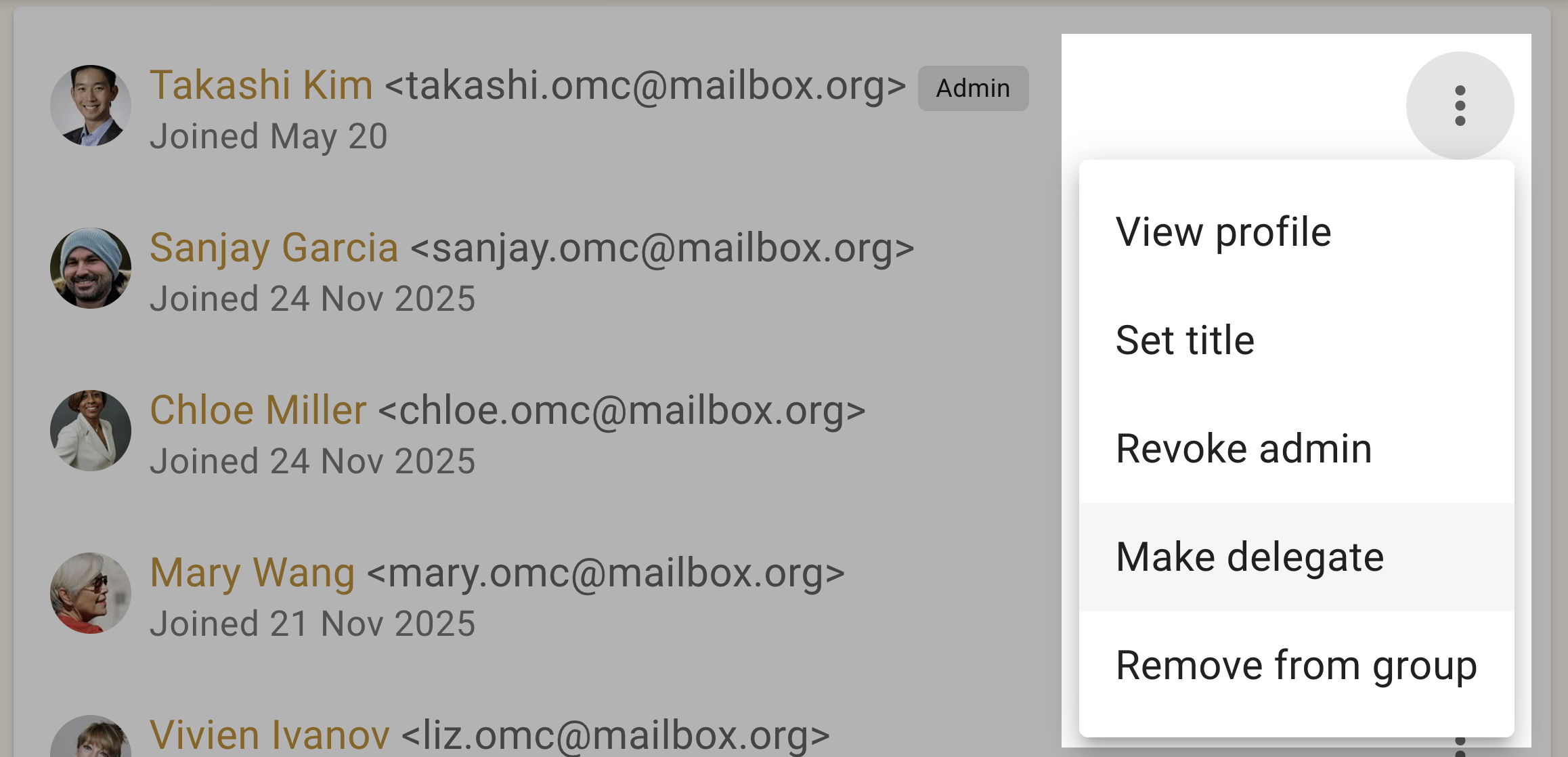
If some members of your group should have voting rights while others should not, you can use the "Make delegate" feature to identify those people with voting rights. There is a corresponding "Revoke delegate" action too.
Use delegates when people should share the same discussion space but only a defined set, such as directors or elected representatives, may vote. This is usually simpler than maintaining a second subgroup whose only purpose is to separate voters from non-voters.
Use a private subgroup instead when its members also need discussions, files, or membership information that other members must not see.
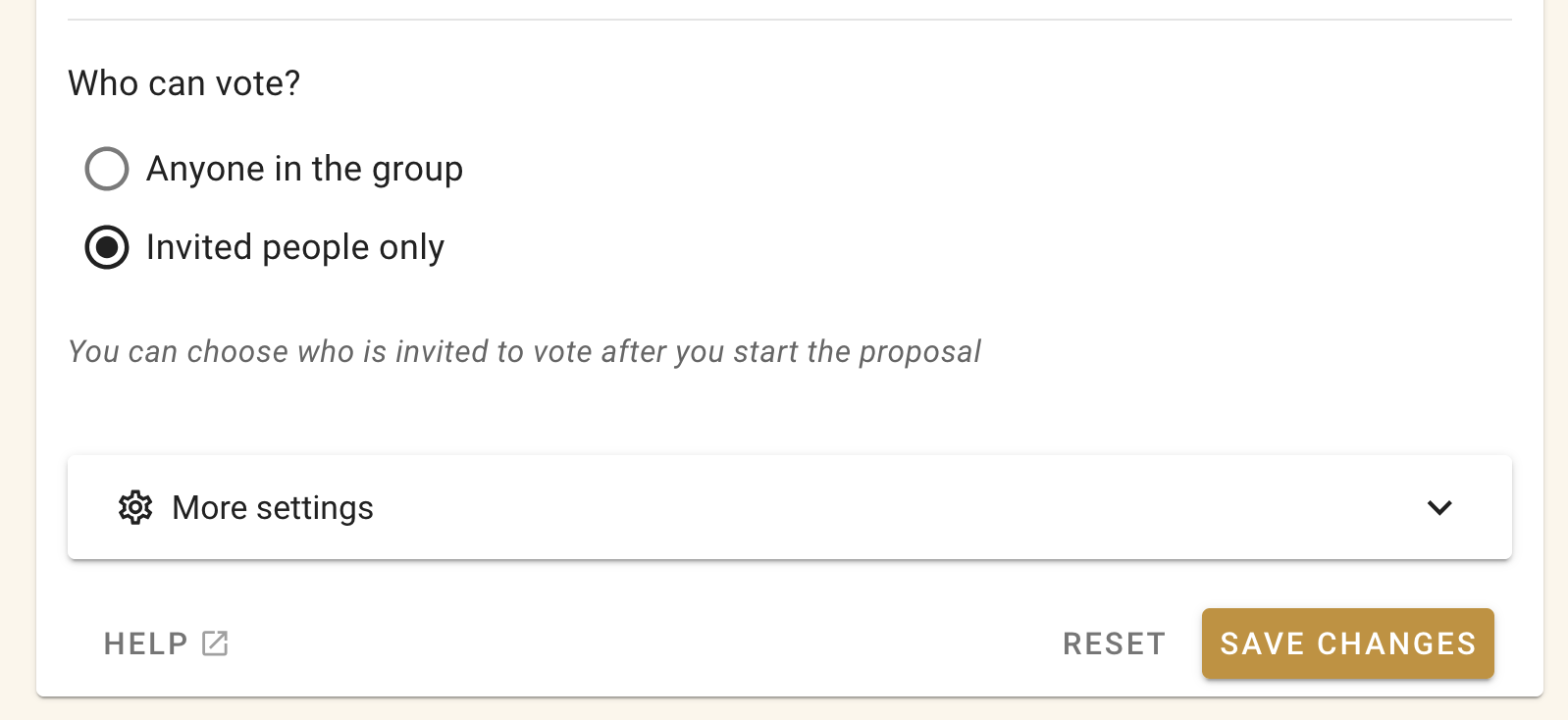
To create a poll or proposal and only invite the delegates, use the "Selected people only" poll setting.
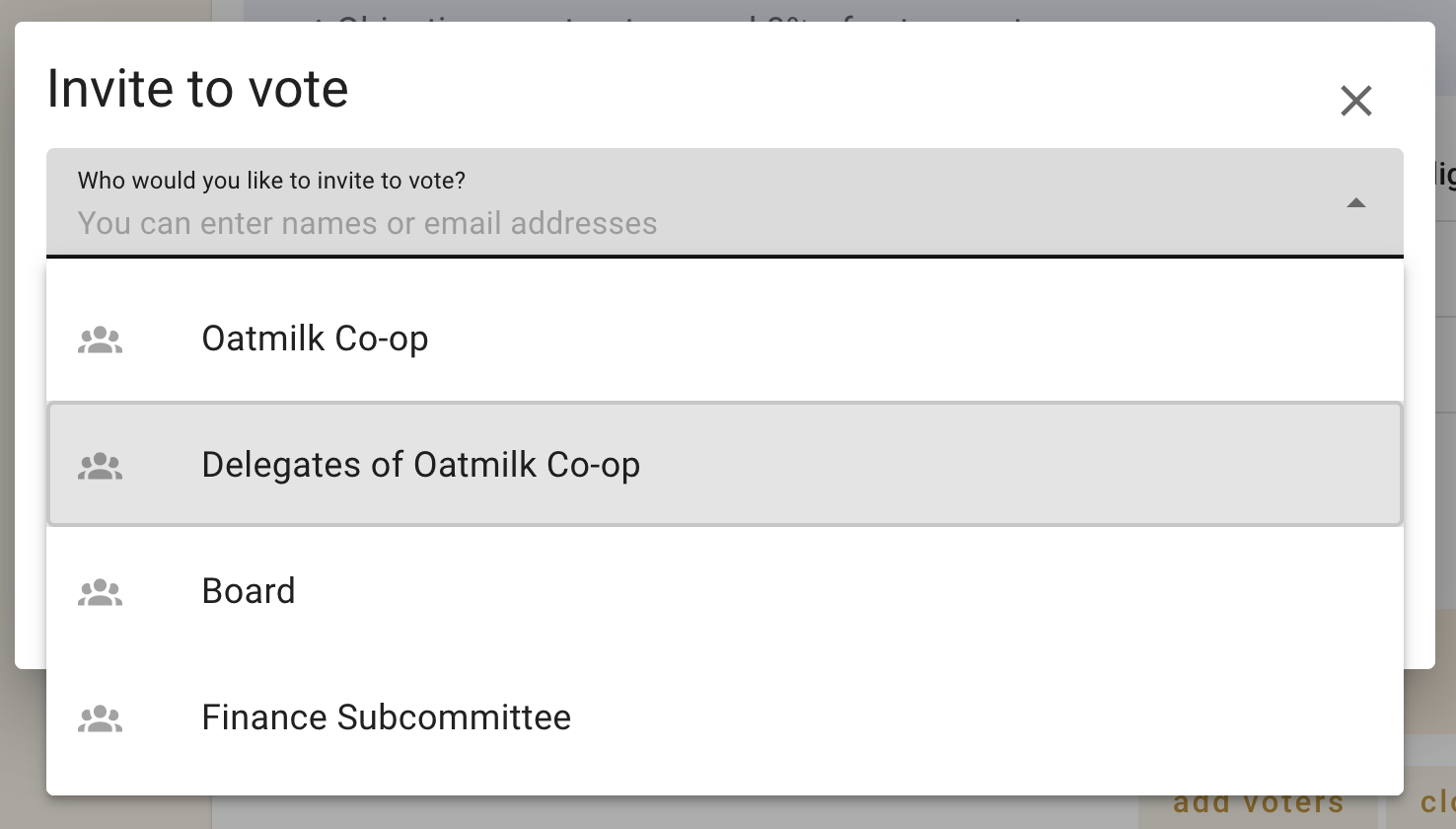
 Then when inviting people to vote you will see the "Delegates of group-name" option.
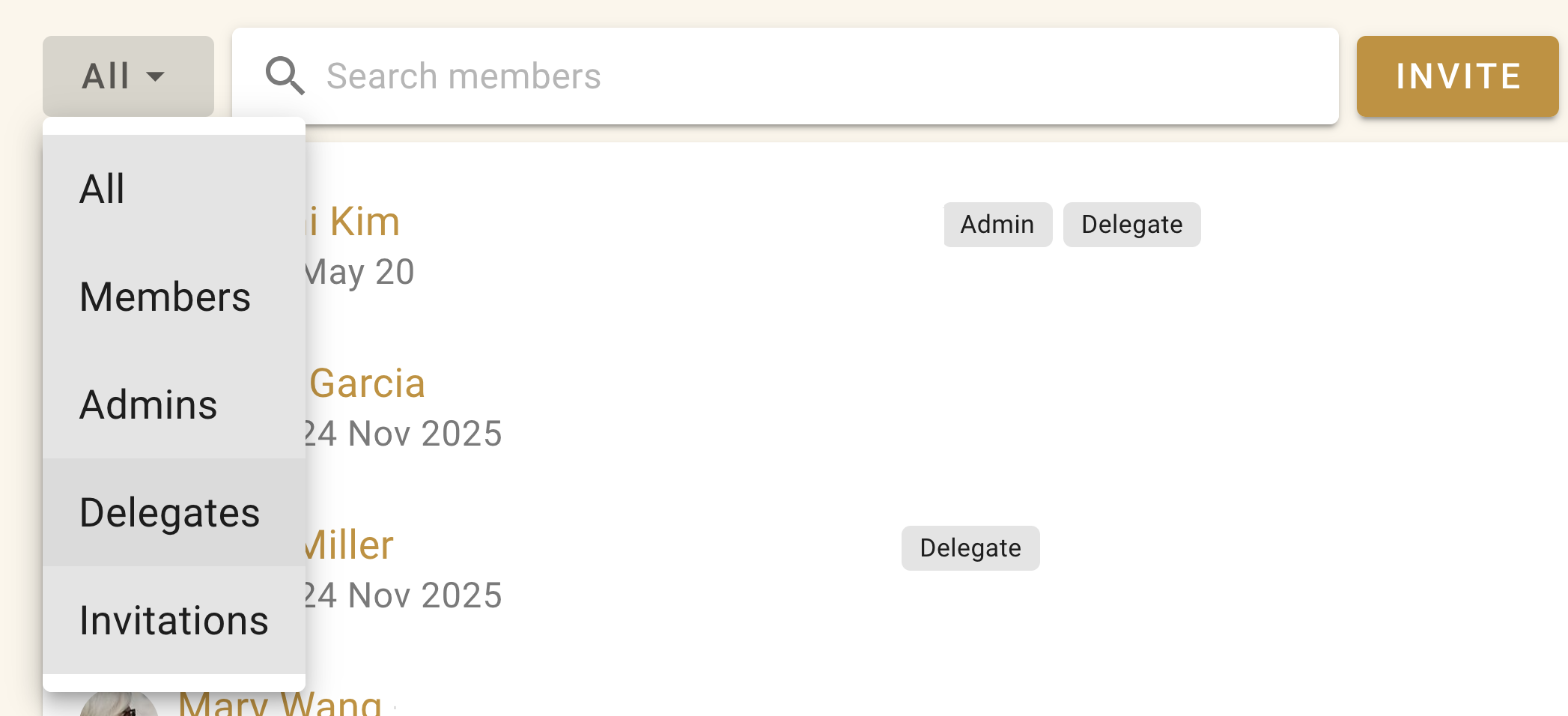
You can see a list of who the delegates are from the members tab of your group page. Use the filter menu and select "Delegates".