Tasks
Use tasks in threads and comments to name an action, assign it to someone, set a due date, and track whether it is complete.
Add a task
While writing a thread or comment, expand the formatting toolbar and click Task list. Type the action beside the checkbox.
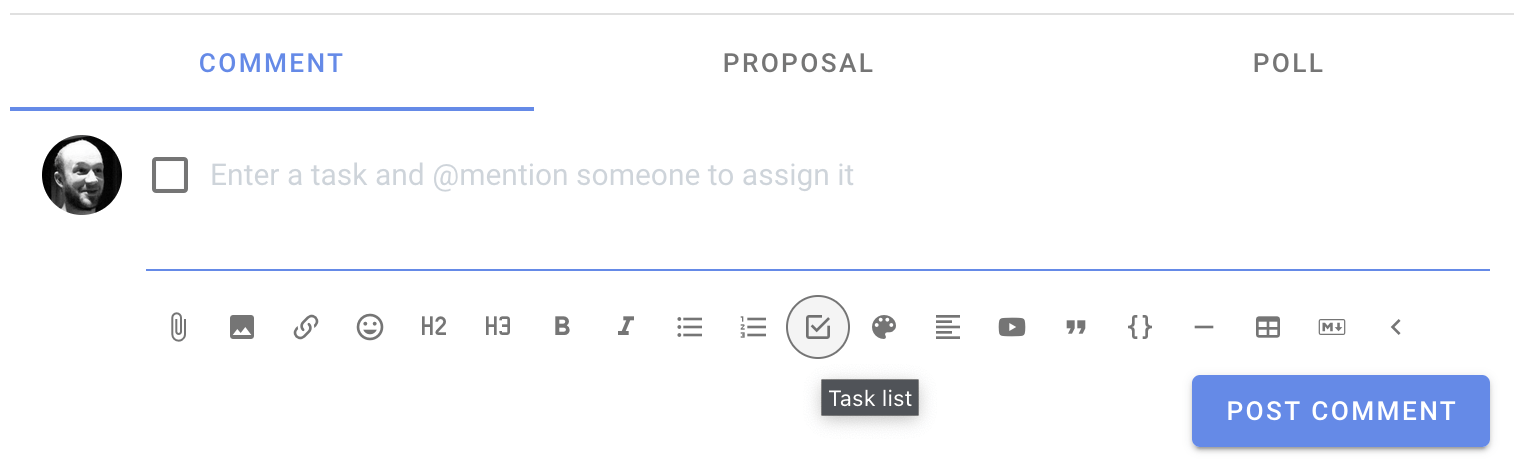
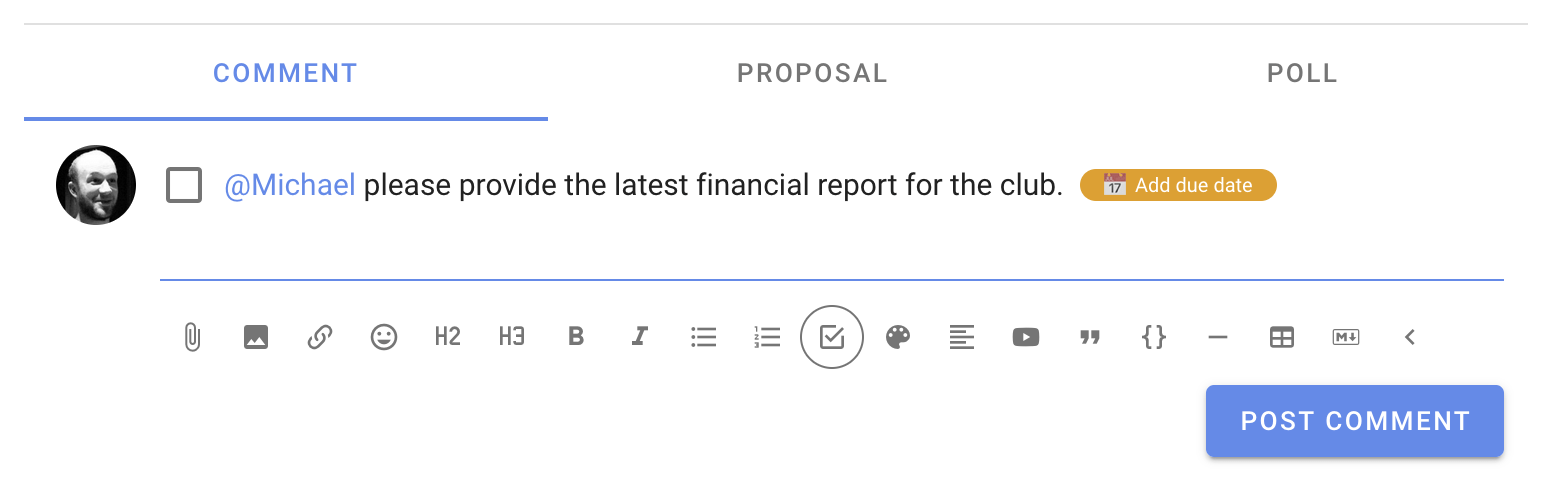
Name and assign the task to a person
Use an @mention in the task to assign it to a group member. An Add due date button appears once the task has an assignee.
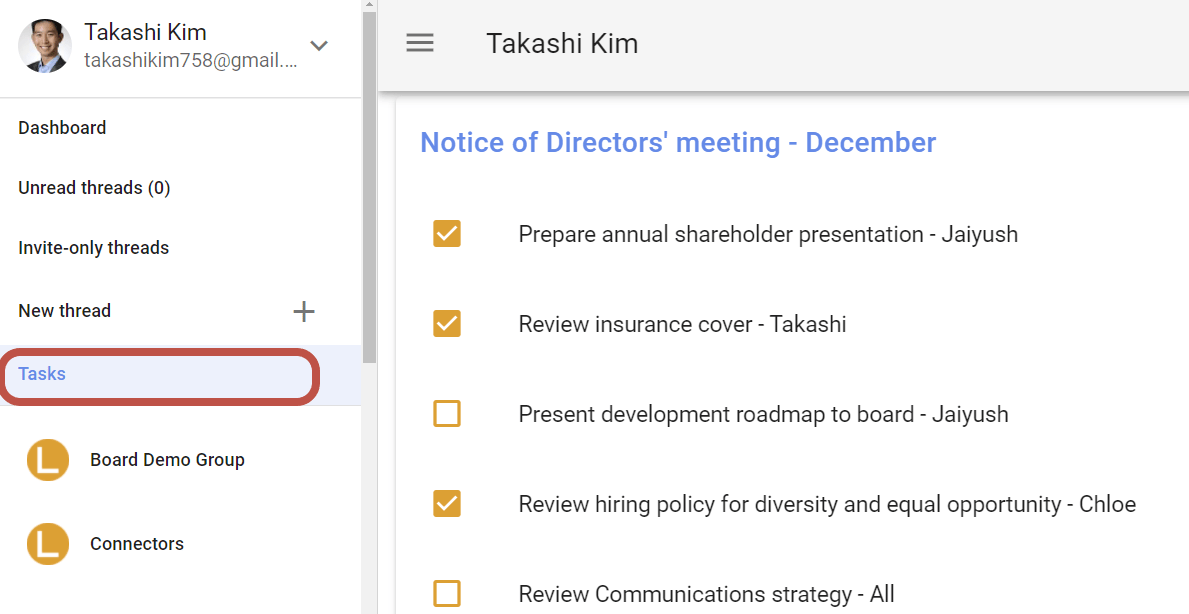
Tasks assigned to you appear on your Tasks page. Open Tasks from the sidebar to see them grouped by thread or poll.
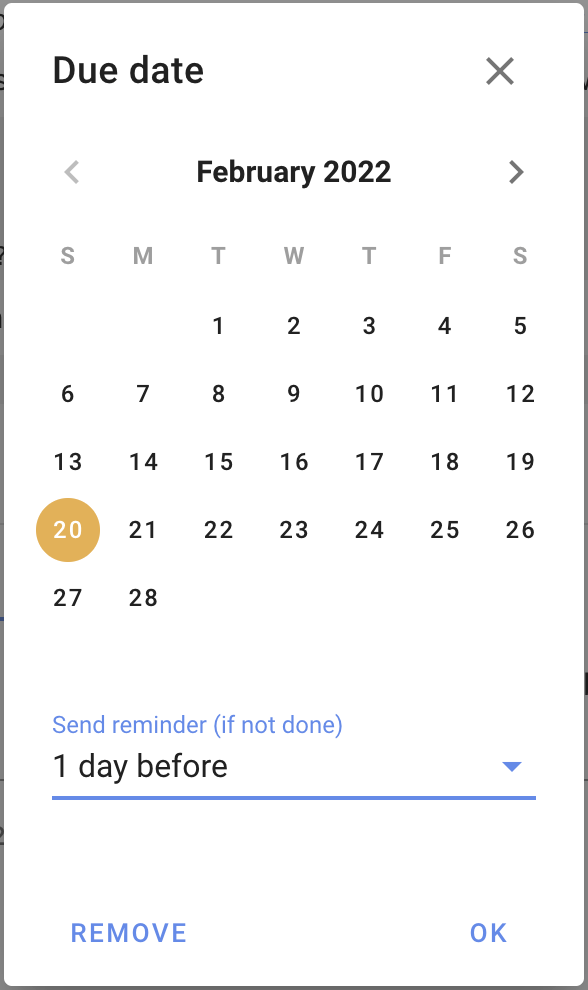
Set a reminder
Click Add due date to choose a due date and when Loomio should email the assignee a reminder. You can also remove an existing due date from this dialog.
Mark it as done

Click the checkbox beside a task to mark it as done. You can do this while editing the text, while reading it if you are the assignee, or from the Tasks page. Click it again to reopen the task.