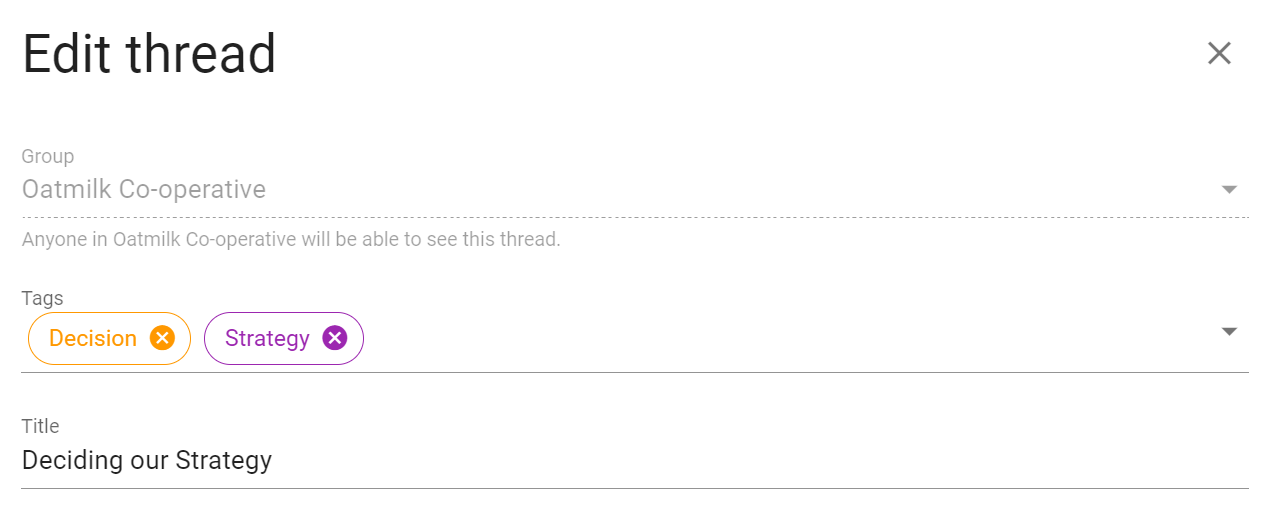
Category tags
Category tags make it easy to find threads and polls about a particular type of work or topic.
Tags belong to the whole organization. A tag used in a parent group is the same tag in its subgroups, making it possible to organize related work across the organization. Loomio displays tag names alphabetically and shows their colors as dots beside the names.
On your group page, click Tags above the thread list to see the tags used in the current group. Select a tag to show only threads with that tag. Use the filter textbox to search a long list, or select Show more to include all tags in the organization. Select Show fewer to return to the current group's tags.

Apply tags
Members who can edit a thread or poll can apply tags to it.
When you start a thread or poll, click the Tags field and select one or more tags.
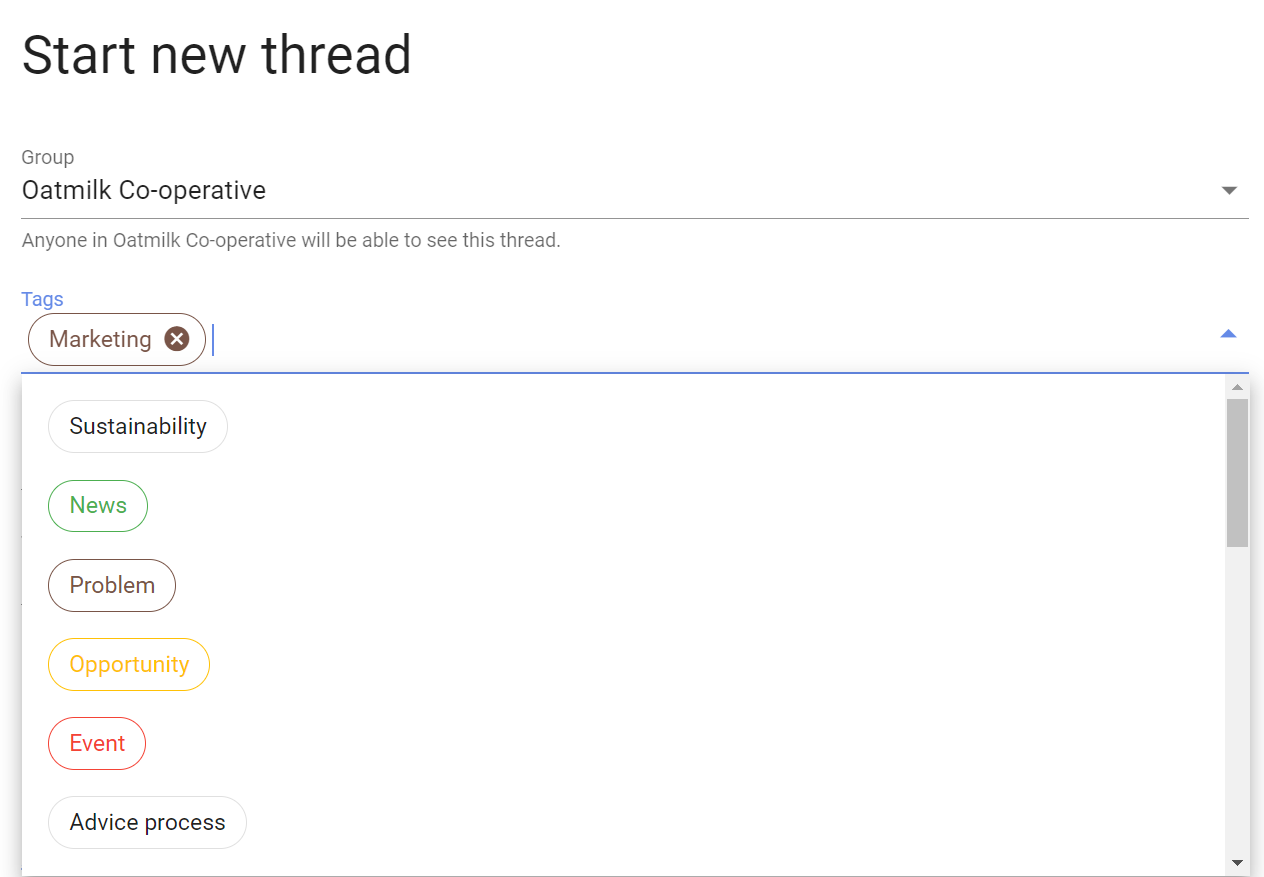
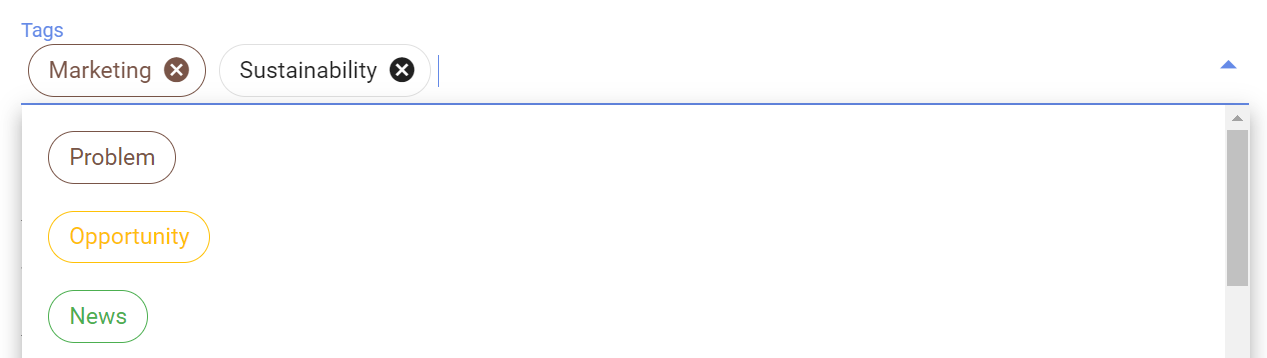
Start typing to filter the list. Select a tag again, or click the × on its chip, to remove it.
Create tags
Parent-group admins can always create tags for the parent group and its subgroups. Subgroup admins can create tags while tagging content in their subgroup. The Members can create tags group permission, enabled by default, allows other members who can tag a thread or poll to create new tag names. If the permission is disabled, members can still apply existing tags.
To create a tag while starting a thread or poll, type its name in the Tags field and press Enter.
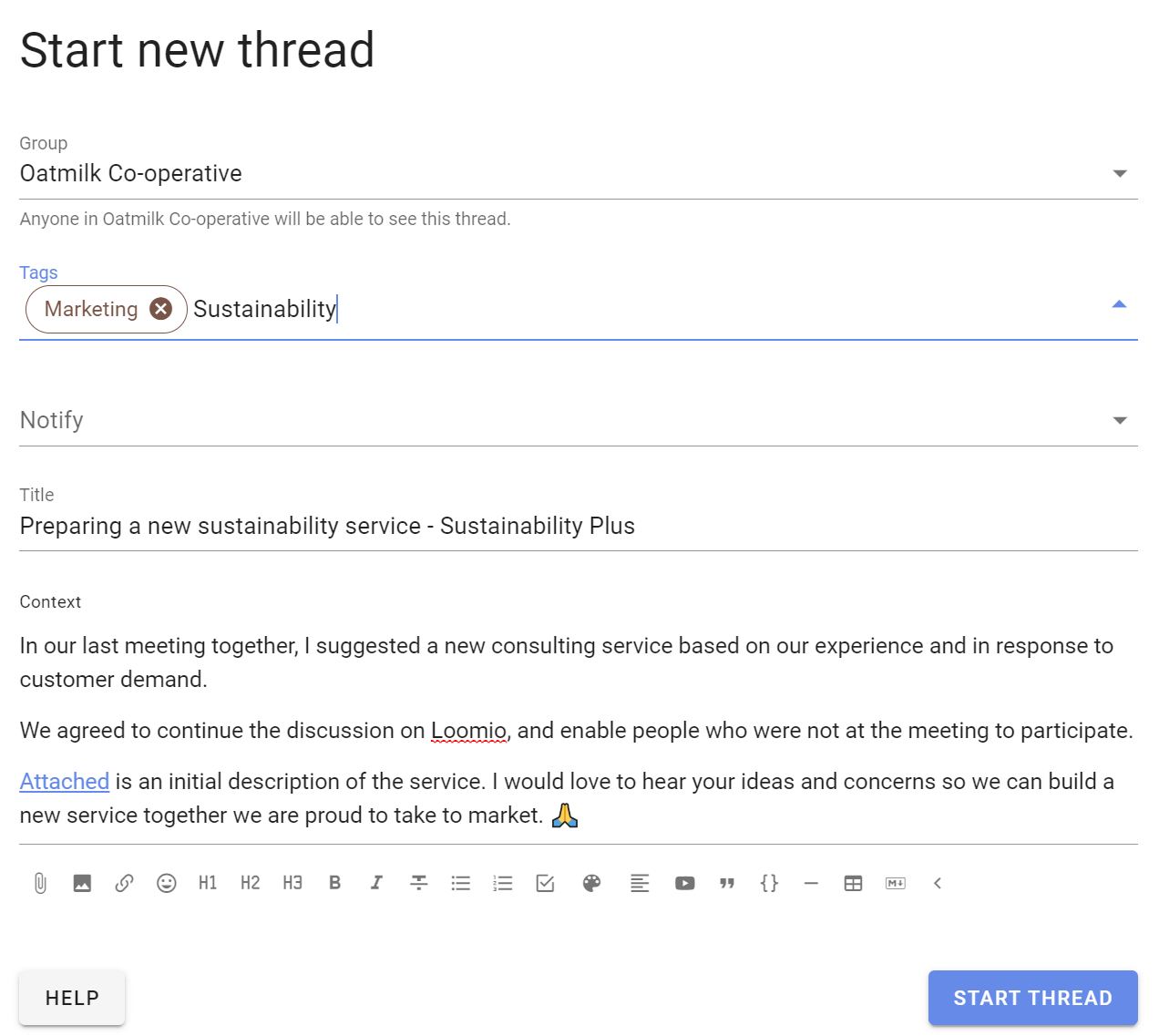
Use short, familiar names that group members will recognize, such as Finance, Governance, Packaging, or Cafe partnerships.
Edit tags
Only parent-group admins can rename, recolor, merge, or delete tags. These changes apply throughout the organization, including its subgroups.
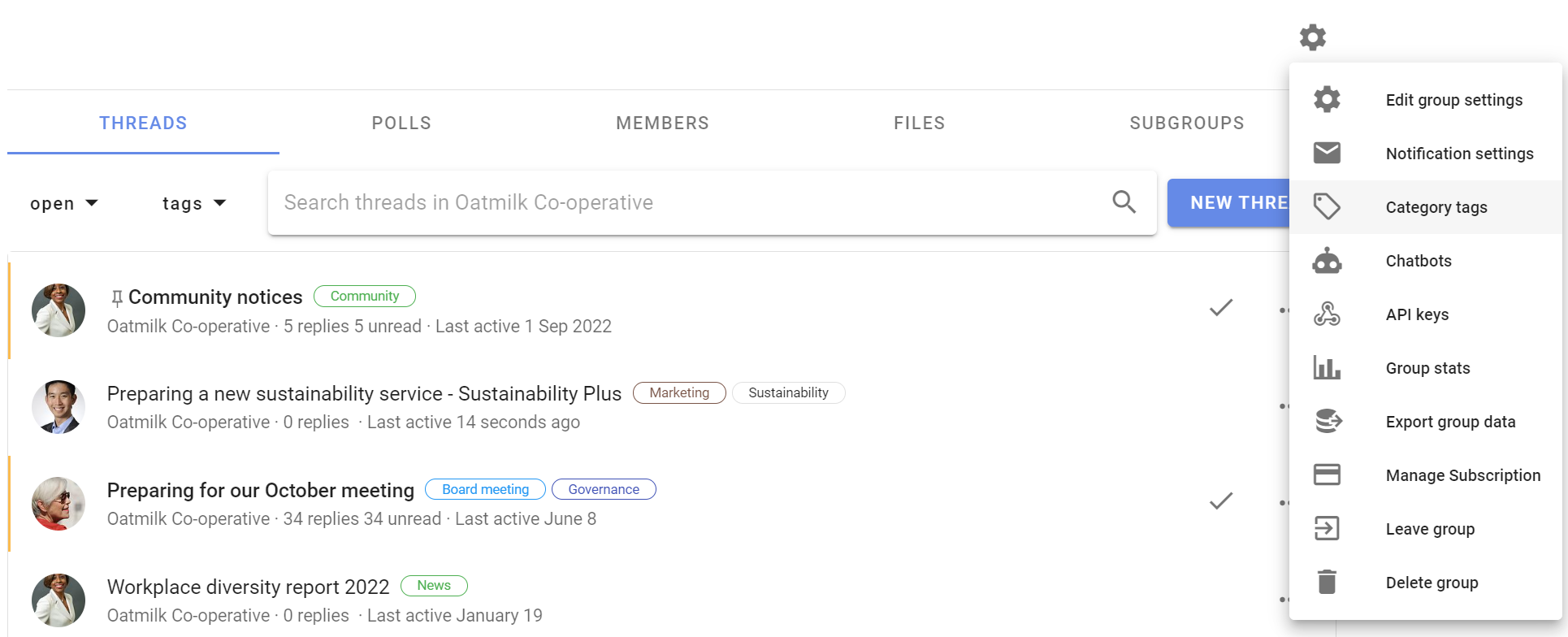
On the group page, open Tags and select Edit tags.
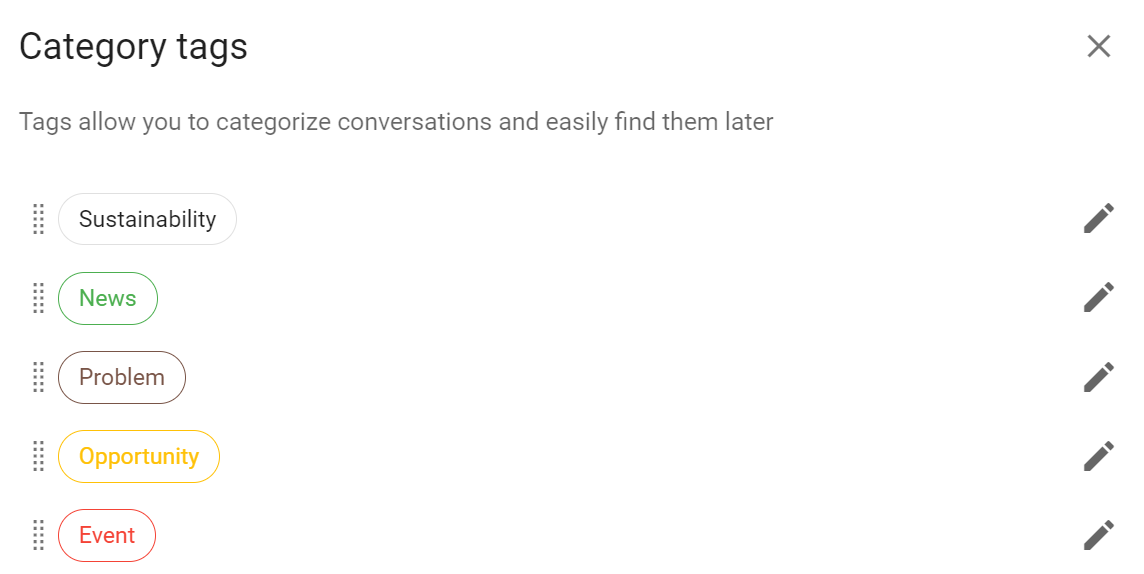
Select the pencil icon beside a tag.
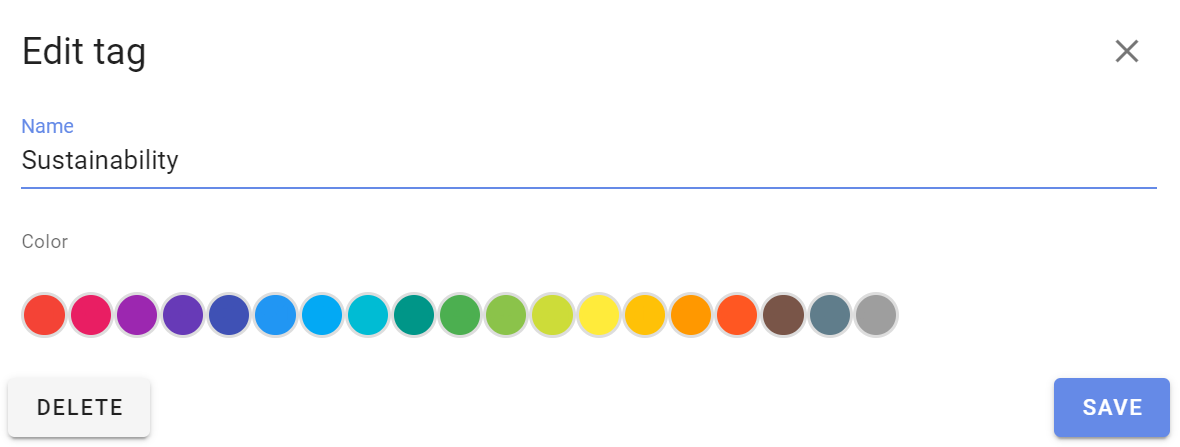
Edit the tag name or choose a color, then click Save.
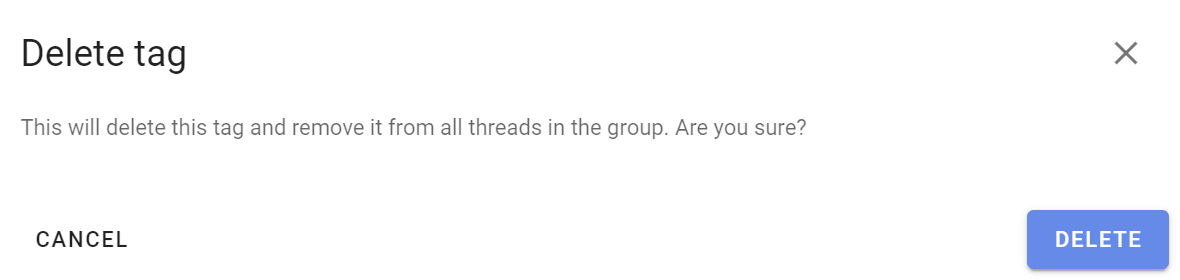
Click Delete to remove the tag from all threads and polls in the organization.
Edit tag in thread or poll
To change the tags on an existing thread or poll, open it and click the tag button beside its current tags near the title.
Select tags to add or remove them. Changes are saved immediately.