Moving items between threads
Move selected items when a conversation belongs in another thread, when one thread has split into separate topics, or when you want to combine related discussions. There is no separate Merge discussions command.
The option is available to group admins and to members when Members can manage discussions and comments is enabled in Group permissions.
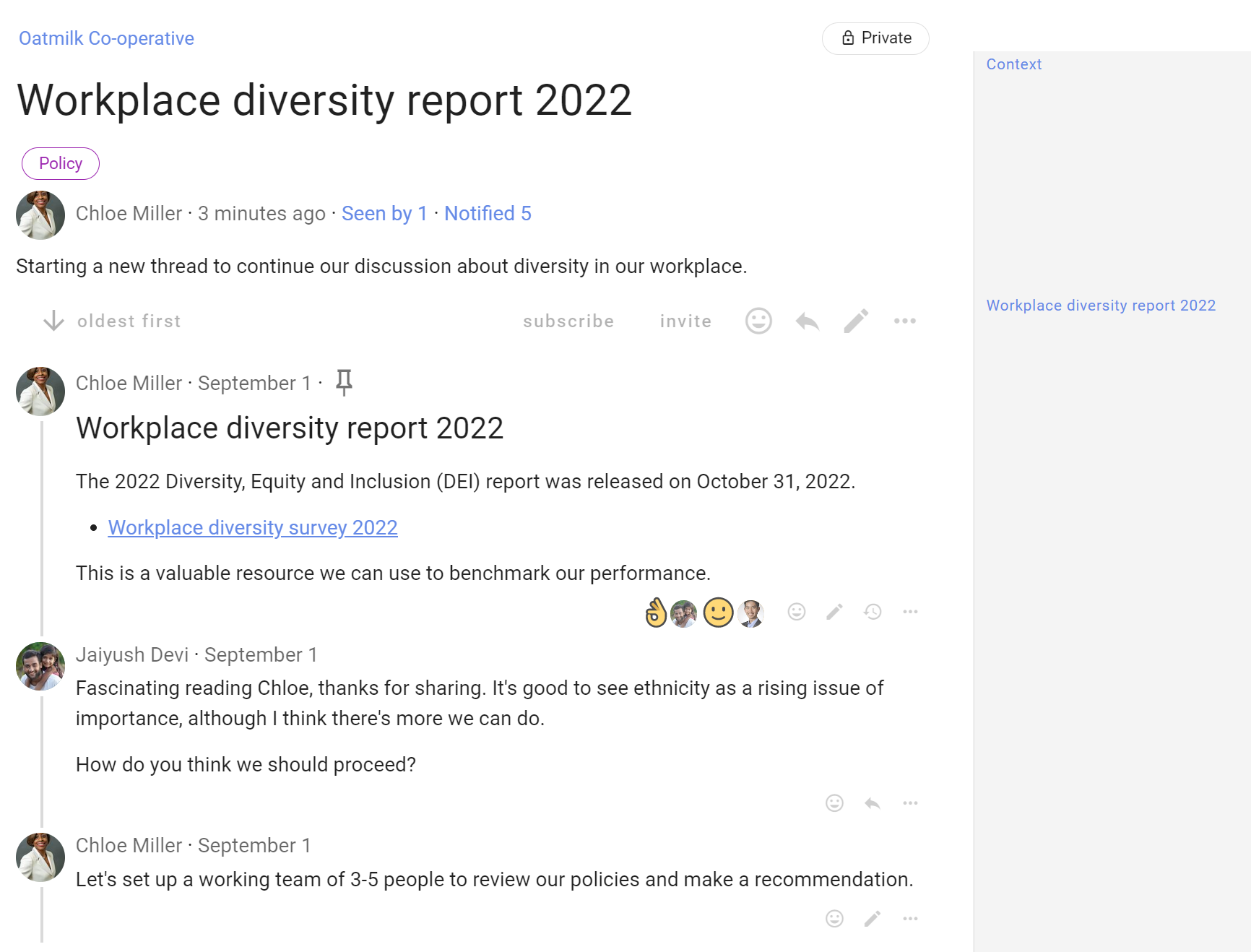
Open the three-dot menu (⋯) on an item and select Move item.
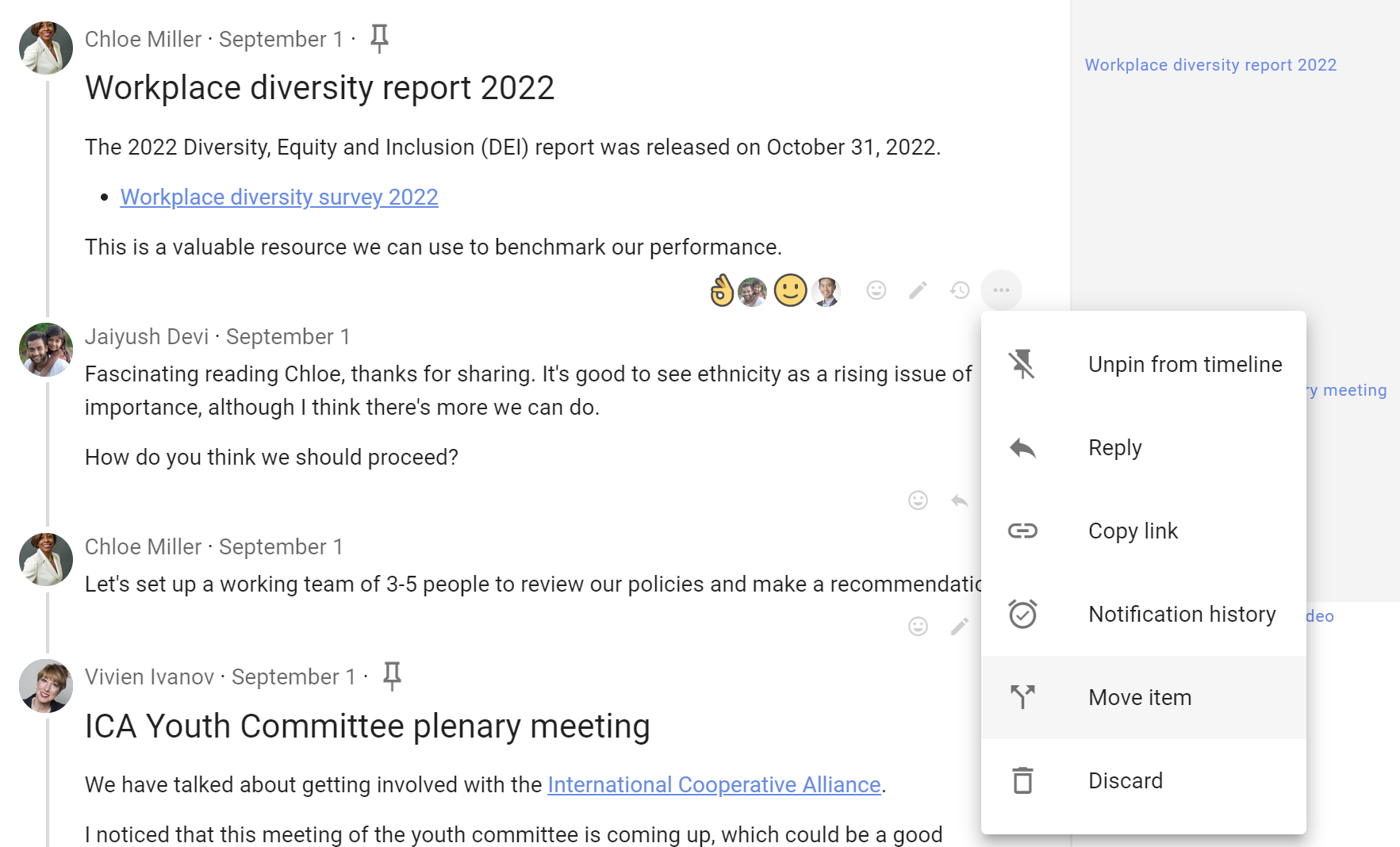
Select the items you want to move.
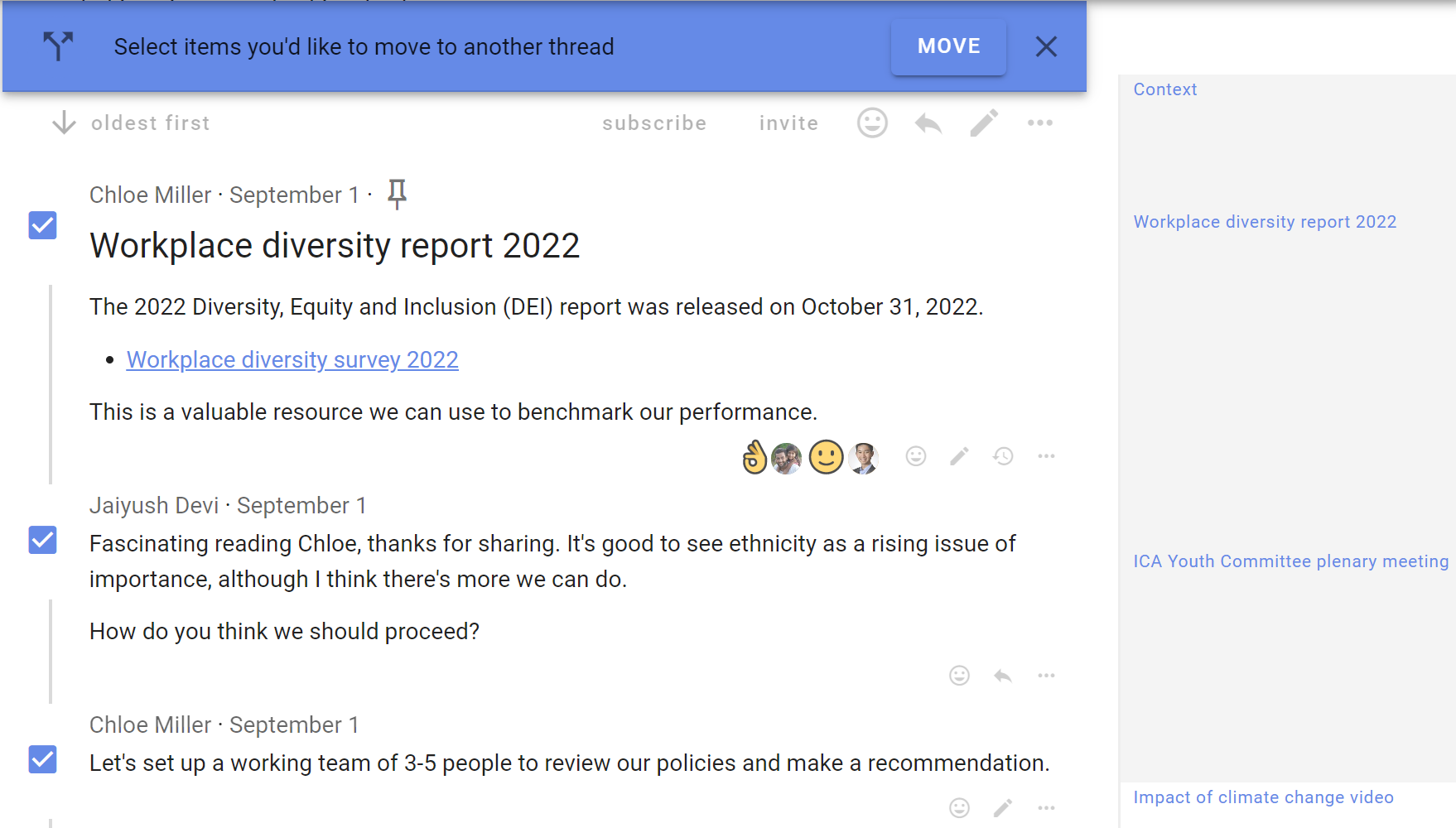
Select any additional items with the checkboxes, then click Move in the banner at the top of the discussion.
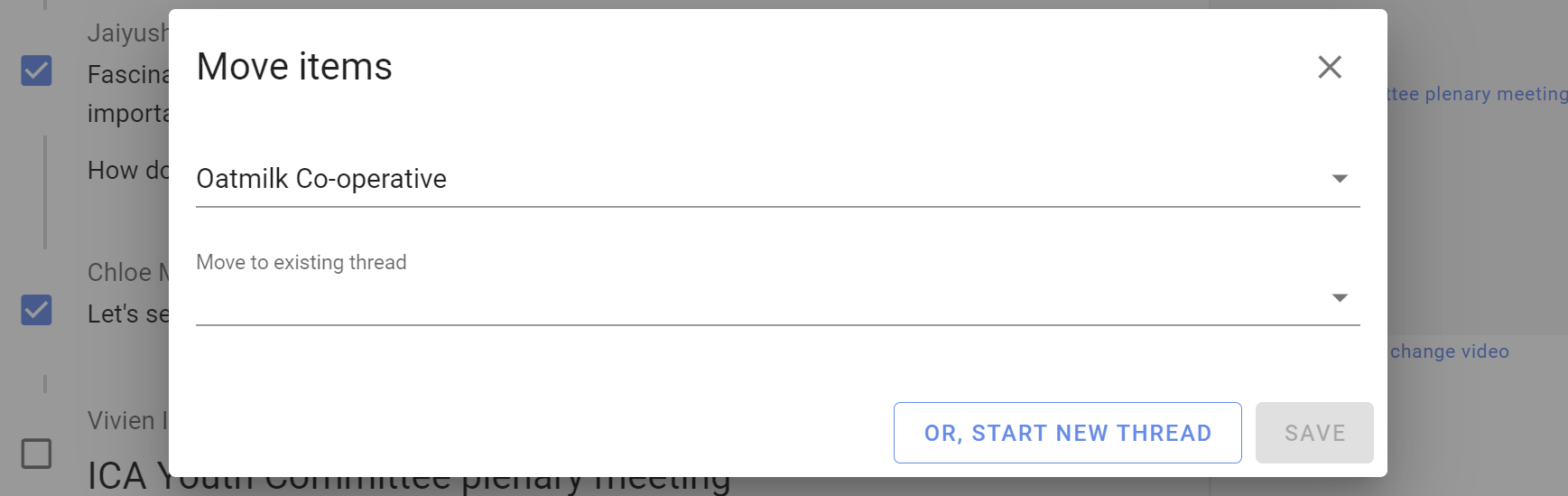
Choose the group or subgroup, then search for the destination discussion.
To move the items into a new discussion, select New discussion and add its title and context.
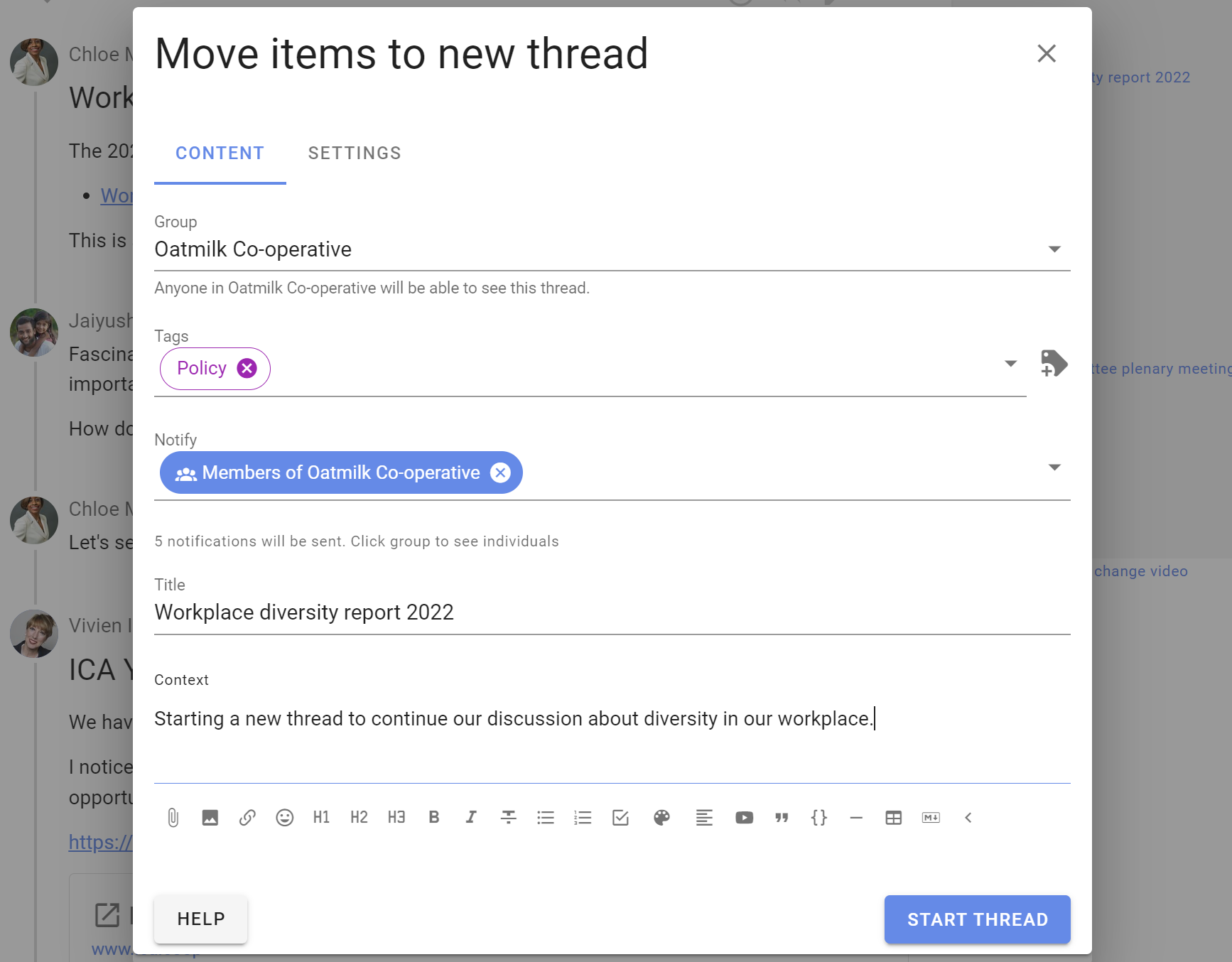
The items are moved from the original thread into the selected or newly created thread.
If the original thread is no longer needed, you can lock it. Delete it only if you are certain it will not be needed again.