Merge accounts
Merge two Loomio accounts when each account uses a different email address and you want to continue with one account.
Before you begin, decide which account you want to keep:
- The account to keep is the account whose email address and profile you will use after the merge
- The account to retire is the account you sign in to first. Its email address will no longer work for signing in after the merge
You need access to both accounts and to the email address of the account you want to keep.
Warning
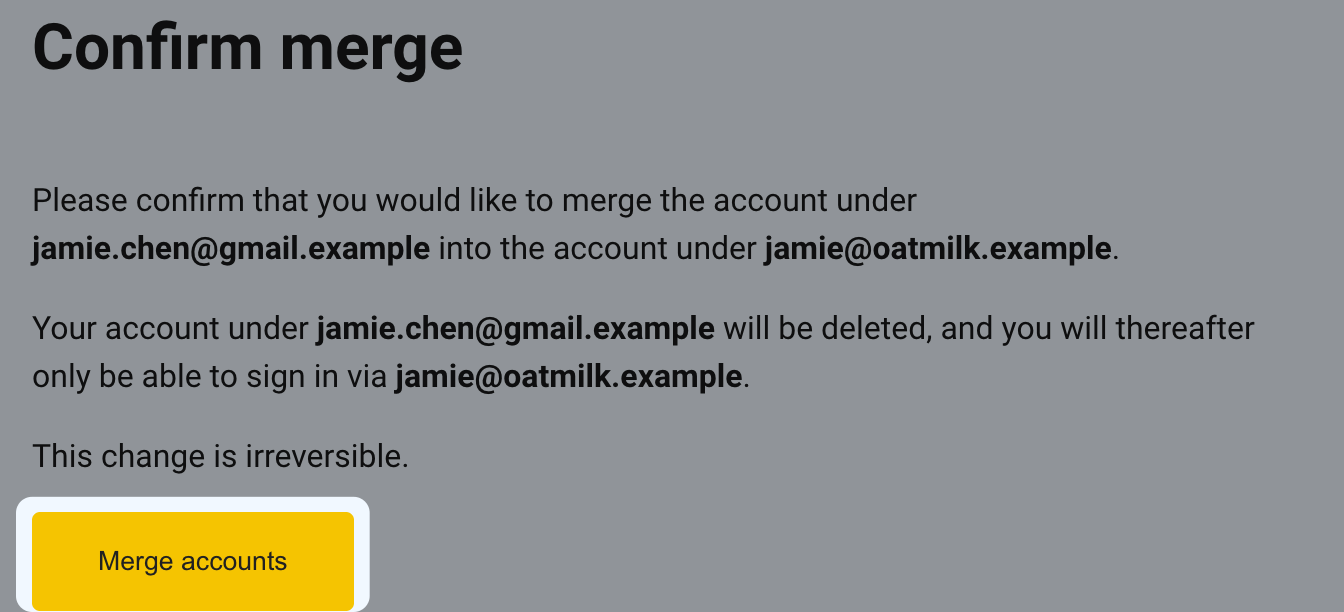
Merging accounts is irreversible. Check the source and target email addresses carefully before the final confirmation.
Start the merge
- Sign in to the account you want to retire.
- Open the sidebar, select your name, and select Edit profile.
- Select Merge accounts.
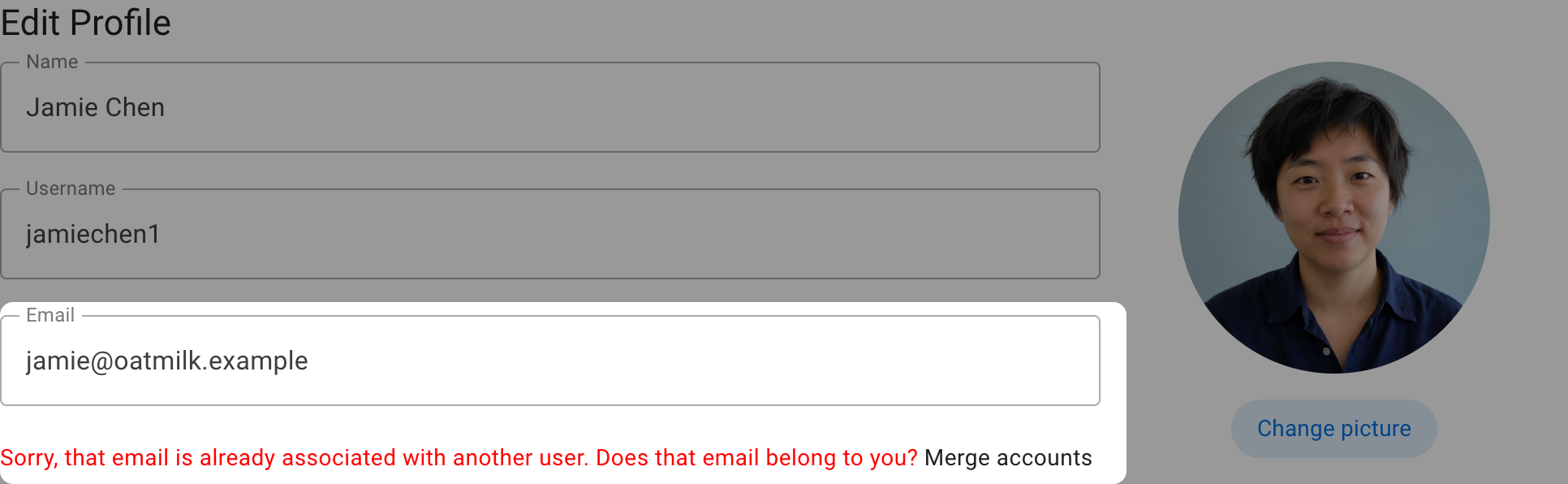
- Enter the destination account's email address—the address belonging to the account you want to keep—and select Send verification email. Loomio always shows the same confirmation and signs you out. If an account uses that address, Loomio sends it the verification email.
Verify the account you want to keep
- Open the verification email sent to the address of the account you want to keep and select Verify email and proceed.
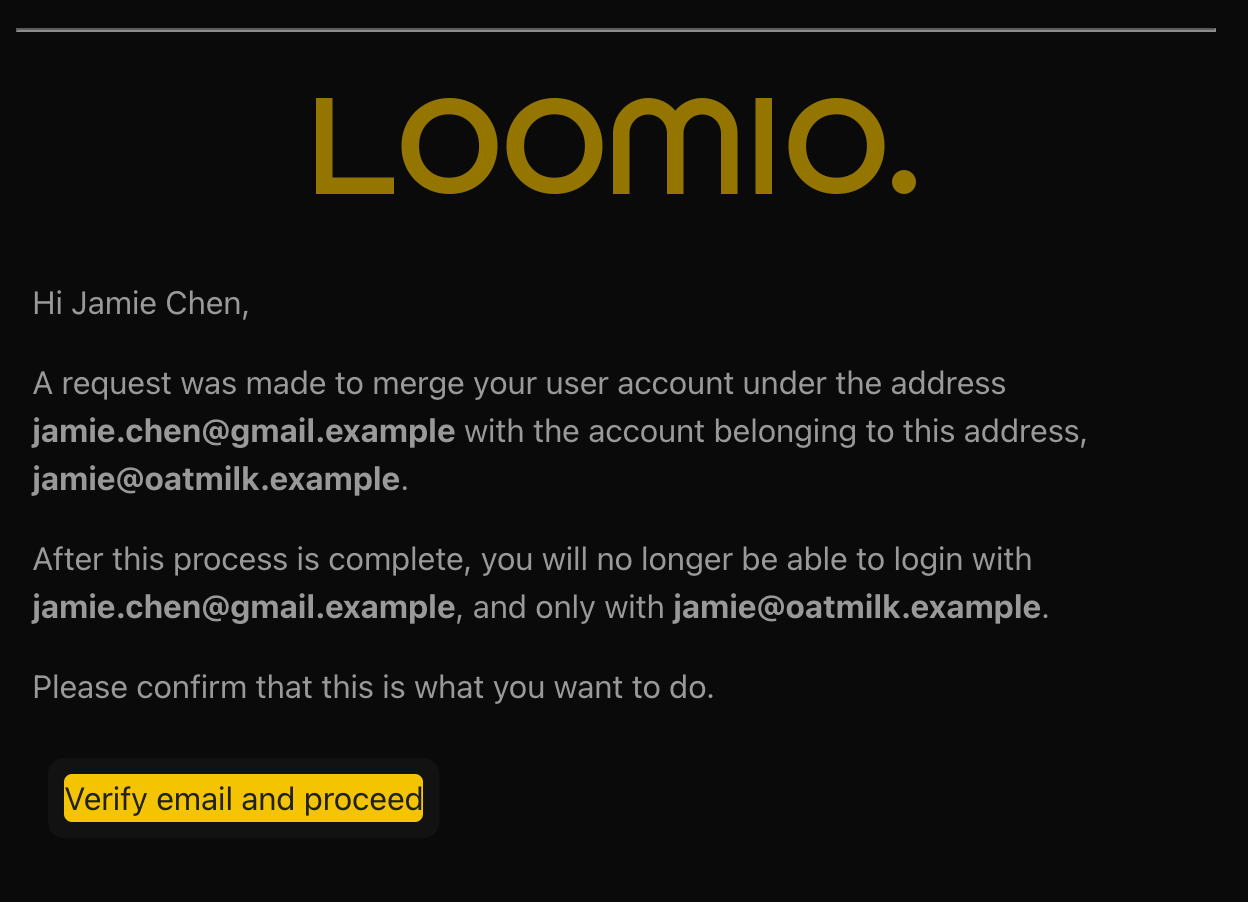
- Sign in as the account you want to keep if Loomio asks you to sign in.
- On the Confirm merge page, check both email addresses again. Select Merge accounts to complete the merge.
What happens after the merge
The account you keep remains your Loomio identity and sign-in account. Group memberships and activity from the retired account, including discussions, comments, polls, and votes, are reassigned to the account you keep. Where both accounts already belong to the same group, the existing membership for the account you keep remains.
The retired account is deleted and its email address can no longer be used to sign in. Loomio sends a confirmation email to the address of the account you kept when the merge is complete.