Group settings
Group settings control how your group is presented, who can find and join it, and what members are allowed to do. Only group administrators can edit these settings.
On the group page, open the actions menu and select Edit group settings.
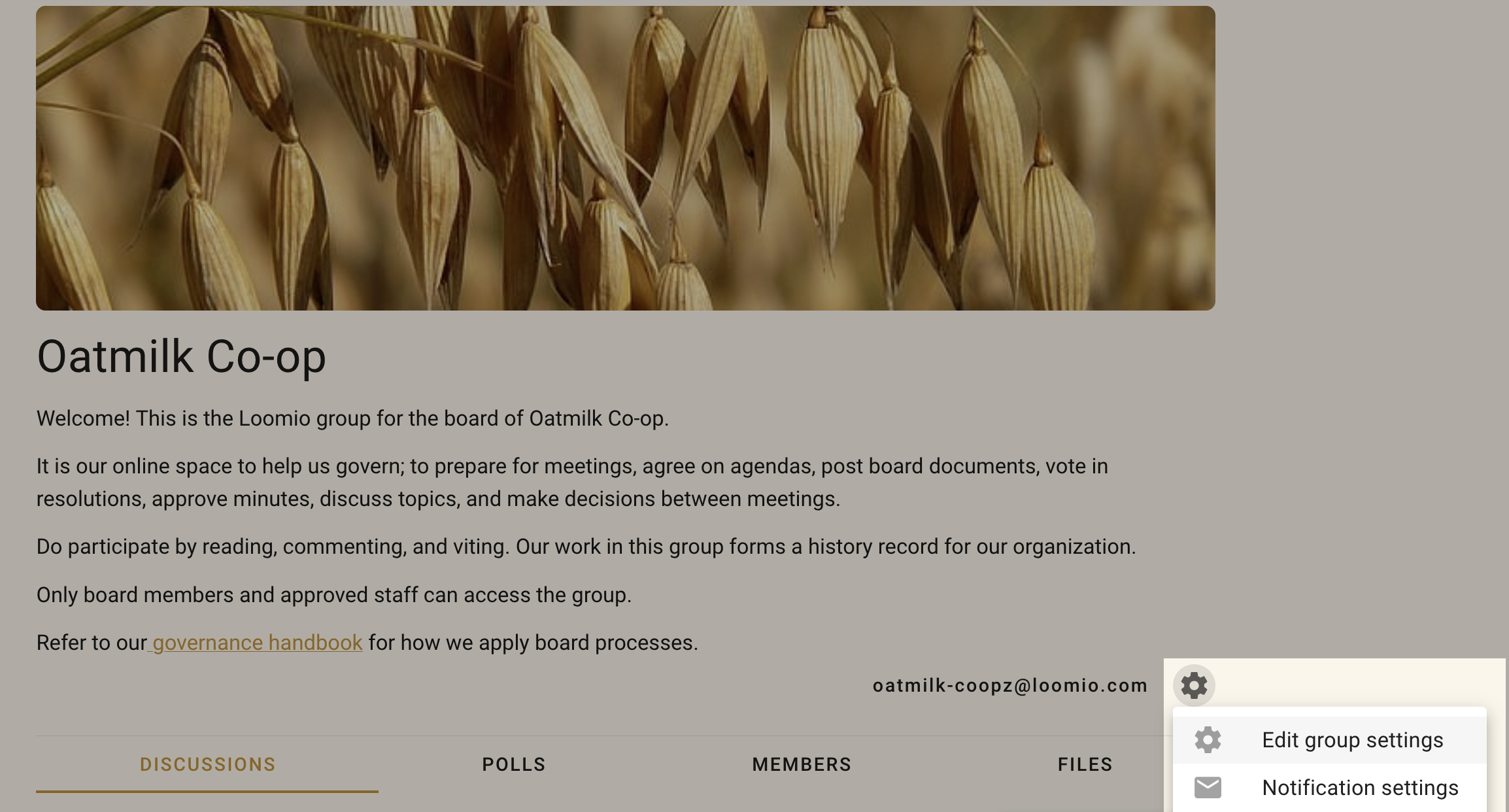
The settings form is divided into three areas:
Group profile
Group profile covers the group name, handle, description, cover image, and logo.
Group privacy
Group privacy covers who can find the group, who can read its content, how people join, directory listing, and following an Open group.
Group permissions
Group permissions controls which actions members, non-members, and administrators can take.