Loomio Feature SVG Comparison
Each row shows all versions of an illustration. v1 = original Claude, v2 = Codex, v3 = Claude with Codex palette. Add new versions to the row for comparison.
Design system for all SVGs: All SVGs are 400×300 with a warm off-white background using a subtle diagonal linear gradient (#FFFDF8 → #F7E8CD at 0.3 opacity). Colors: teal #7F9EA0 (agree/positive), gold #DCA034 (abstain/neutral/accent), dark blue #293C4A (text/structure), red #E74C3C (disagree/negative, always at reduced opacity 0.4-0.7). Tint fills: #E9F4F0 (light teal), #F7E8CD (light warm gold), #FFFDF8 (warm white). Avatars: colored circle + small dark #293C4A head circle (positioned slightly above center) + small dark rounded body rect below. Text placeholders: rounded rectangles at 0.08-0.5 opacity, titles are darker/bolder, descriptions fade. Cards: generous rounded corners (rx=12-22), #FFFDF8 backgrounds with #293C4A borders (stroke-width=1.5-2). Connectors: dashed lines (stroke-dasharray="4 4" or "5 5") at 0.2-0.35 opacity. Decorative: soft large circles in corners at 0.08-0.12 opacity. Donut charts: thick stroke-width (10-32) on circles, using stroke-dasharray/stroke-dashoffset for segments, rotated -90° to start at top. White center circle covers the hole.
Page illustrations
discussions
Rebuild description
A threaded discussion view. A white rounded card (rx=22) centered on the canvas. At top: a bold title bar and two faint description lines. Below: three stacked comment bubbles (rx=14), each with a colored avatar on the left and placeholder text lines to the right. First comment: teal (#E9F4F0) bg with teal border, teal avatar. Second comment: warm gold (#F7E8CD) bg with gold border, gold avatar — slightly indented to suggest a reply. Third comment: faded white bg, faded avatar — older or less recent. A small reaction badge pill sits at the edge of the first comment. The overall feel is a clean, modern discussion thread card.
v1 — Claude original

v2 — Codex

v3 — Claude + Codex palette

v4 — v3 cleaned up
chat-vs-loomio
Rebuild description
A split comparison illustration. Left side shows a chaotic chat interface — overlapping speech bubbles in varying colors, scattered and hard to follow, representing messy group chat. Right side shows a clean, structured Loomio discussion thread — organized cards with clear proposal, vote bar, and outcome. A dividing line or arrow between the two halves suggests the transformation from chaos to clarity. The contrast should be immediately visible: left = noisy/overlapping, right = organized/structured.
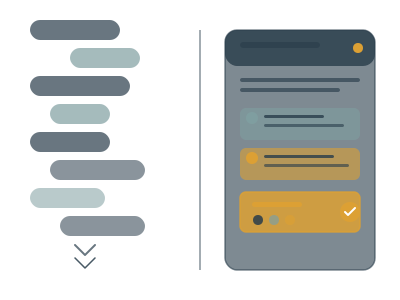
v1 — Claude original
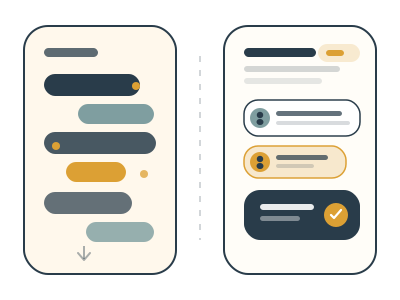
v2 — Codex
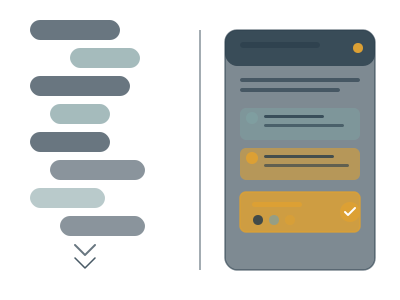
v3 — Claude + Codex palette
editor
Rebuild description
A rich text editor interface. A white card showing a document being composed with a formatting toolbar at the top (small icon buttons for bold, italic, list, link, etc.). Below: a title line, paragraph text placeholders, and perhaps an embedded image or attachment placeholder. The feel should be of a modern WYSIWYG editor — clean, uncluttered, with subtle toolbar icons. May include a cursor blinking indicator or selection highlight to suggest active editing.
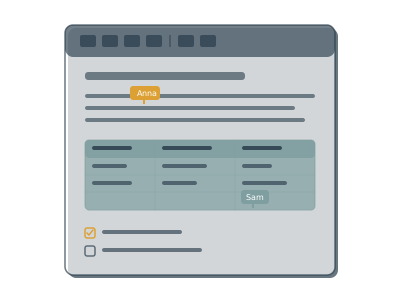
v1 — Claude original

v2 — Codex
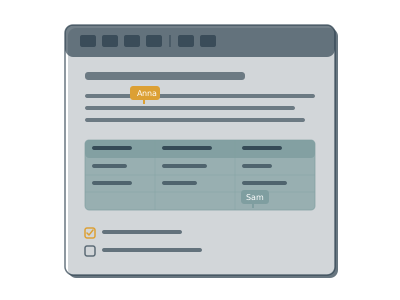
v3 — Claude + Codex palette
files
Rebuild description
A file attachment/management view. Shows a grid or list of file cards — each with a file type icon (PDF, image, document), a filename placeholder, and a small file size indicator. Some files may show thumbnail previews (colored rectangles suggesting images). The layout suggests organized file storage attached to a discussion or group. Clean card-based grid with subtle shadows or borders.
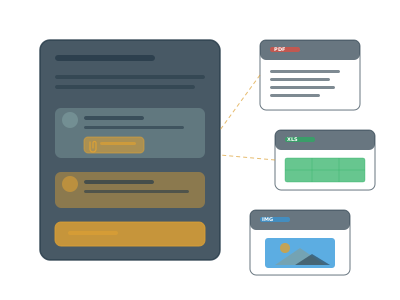
v1 — Claude original
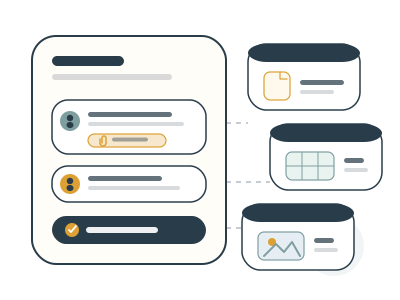
v2 — Codex
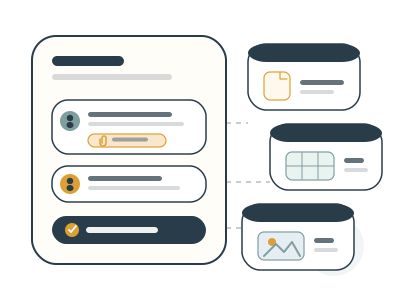
v3 — Claude + Codex palette
decision-processes
Rebuild description
A vote/decision visualization. Central donut chart showing vote results — thick ring with three colored segments: teal (agree, ~60%), gold (abstain, ~18%), red at reduced opacity (disagree, ~22%). White center with "60%" text and "agree" label. Three MDI thumb icons radiate outward connected by dashed lines: teal thumbs-up to the right, red thumbs-down to the left, gold sideways thumb at the bottom. The thumbs use Material Design Icon SVG paths (the thumbs-up-down icon split into two separate hand shapes). No background pills behind the icons. Decorative soft circles in corners.
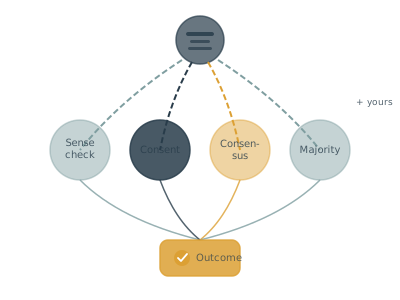
v1 — Claude original
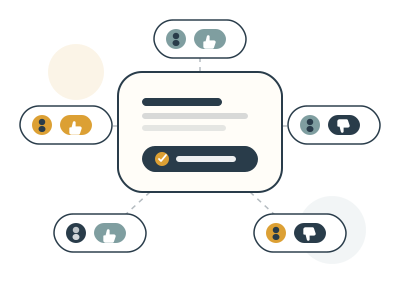
v2 — Codex
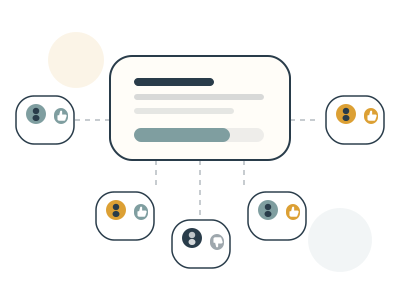
v3 — Claude + Codex palette
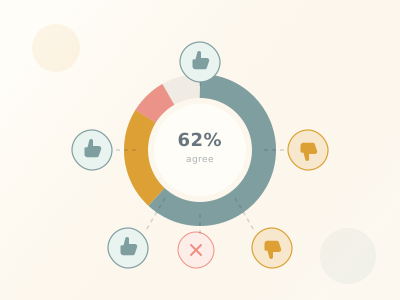
v4 — Donut + thumbs
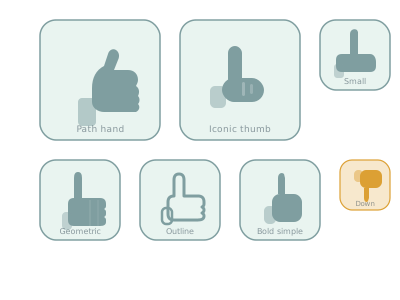
v5 — Thumb icon study
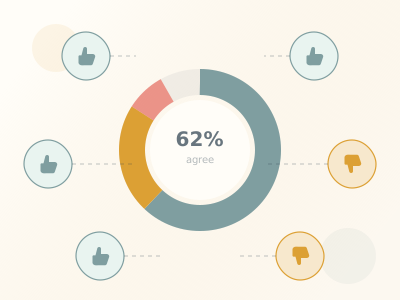
v6 — Donut + MDI thumbs
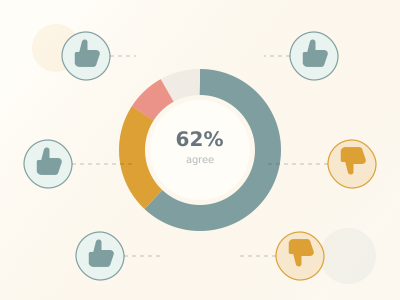
v7 — Split MDI icons
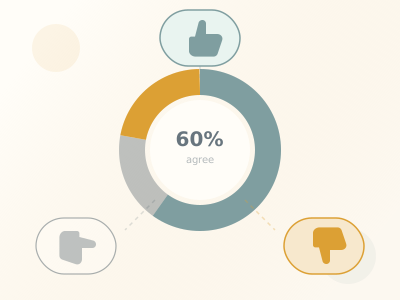
v8 — 3 thumbs: up/side/down
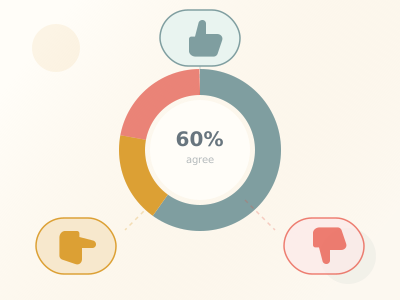
v9 — Teal up, gold side, red down
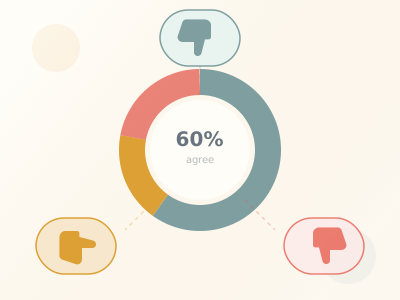
v10 — Icons rotated 180°
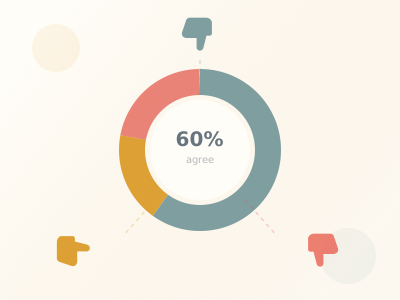
v11 — No pill backgrounds
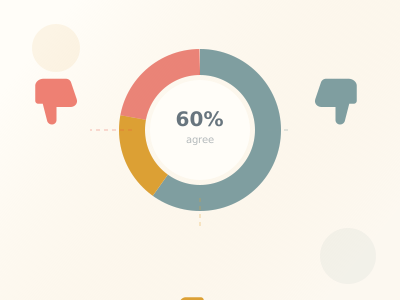
v12 — Bigger, repositioned
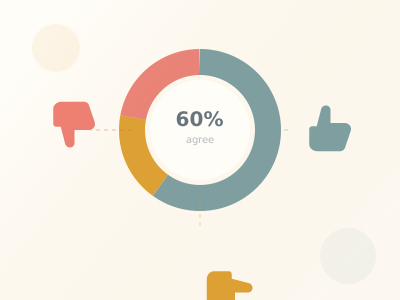
v13 — New custom thumbs
shared-understanding
Rebuild description
Multiple people arriving at shared understanding through discussion. A central proposal card (warm gold #F7E8CD fill) with reasoning bubbles around it in teal (#E9F4F0). Each bubble has an avatar and text, representing different people's perspectives. Lines or connectors radiate from the central proposal to the surrounding reasoning bubbles, suggesting convergence toward a common understanding. The feel is of multiple voices contributing to a shared conclusion.
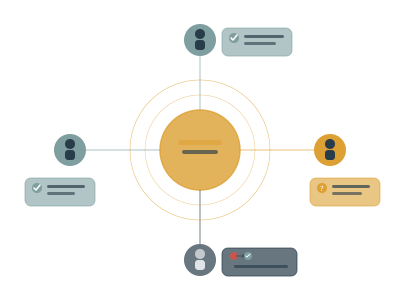
v1 — Claude original
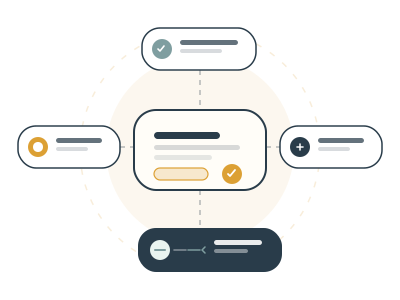
v2 — Codex
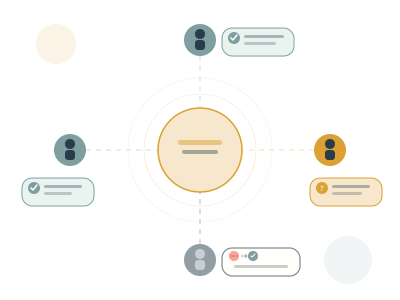
v3 — Claude + Codex palette
proposal
Rebuild description
A proposal card with live voting. White card (rx=20) with dark border. Inside: bold title, description text lines, a horizontal stacked vote bar (teal agree ~65%, gold abstain ~17%, red disagree ~8%, faint remainder), three voter rows each with colored avatar + MDI thumb icon + reasoning text lines, and a dark outcome bar at the bottom with a gold checkmark and white text. The vote bar segments are flush against each other in a single horizontal bar with rounded ends. Each voter row shows who voted, how they voted (thumb icon), and why (text).
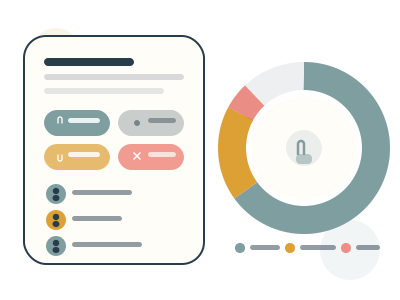
v1 — Claude
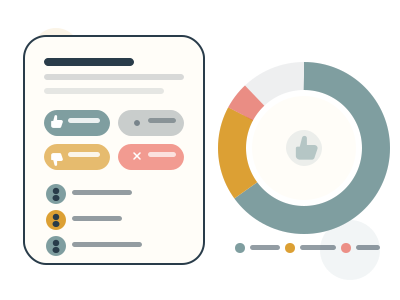
v2 — New custom thumbs
sense-check
Rebuild description
A sense check poll visualization. Large donut chart on the left (r=80, stroke-width=32) with three segments: teal "looks good" (~55%), gold "needs work" (~30%), red "wrong direction" (~15%). White center with a simple thumbs-up icon drawn with strokes (not MDI path). Three legend cards stacked vertically on the right, each connected to the donut by a dashed horizontal line. Each card has: a colored circle with a small icon (thumb up for teal, magnifying glass for gold, inverted thumb for red), a title text bar, and a subtitle bar in the matching color. The sense check is about temperature-checking whether a direction feels right.
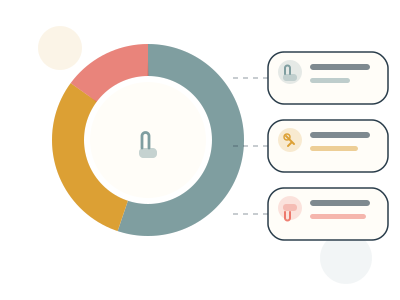
v1 — Claude
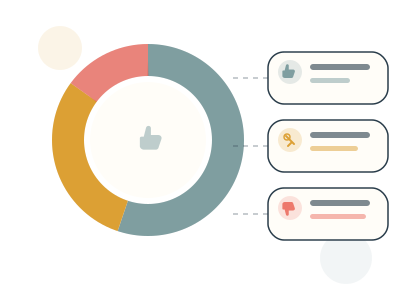
v2 — New custom thumbs
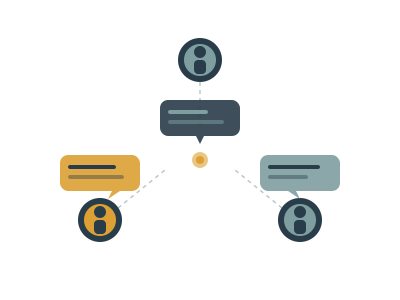
facilitation
Rebuild description
A proposal/poll sending notifications to people. Center: a proposal card with a vote bar and title. Radiating outward: notification lines (dashed) connecting to 4-5 people avatars arranged around the card. Each person has a status indicator: green/teal dot for "voted", gold dot for "seen", and a faded/gray state for "not yet engaged". The concept is facilitation through keeping people informed and nudging participation — the proposal reaches out to people rather than people coming to it.
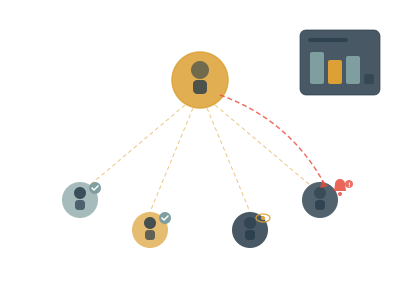
v1 — Claude original
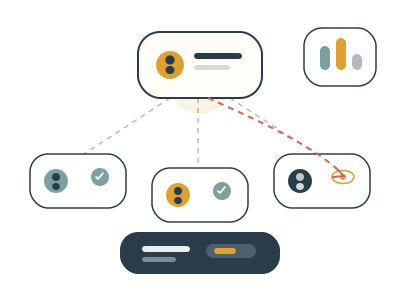
v2 — Codex
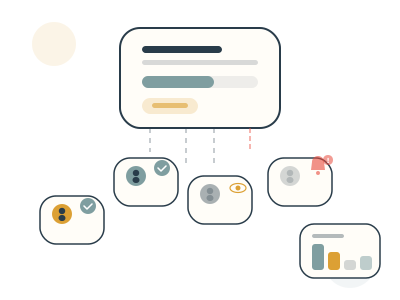
v3 — Claude + Codex palette
groups
Rebuild description
Nested group/subgroup structure. A large outer container represents the parent group, with 2-3 smaller subgroup containers inside it. Each subgroup has a colored header or accent (teal and gold). Inside each subgroup: small avatar circles representing members, some overlapping to suggest shared membership. Lines or containment boundaries show the hierarchy. The illustration conveys organizational structure — teams within teams, each with their own membership and permissions.
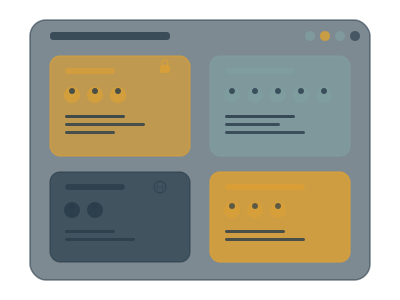
v1 — Claude original
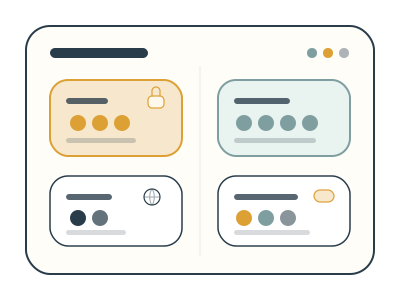
v2 — Codex
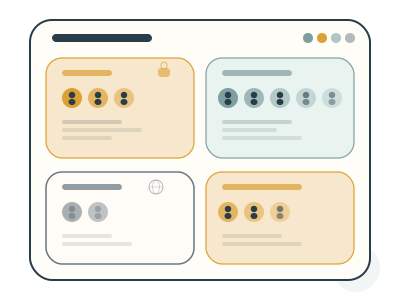
v3 — Claude + Codex palette
notifications
Rebuild description
Email/notification cards. Two or three overlapping notification cards (like email previews) fanning out slightly. Each card has: a colored accent bar or icon on the left, a sender avatar, a subject/title line, and preview text. Cards use the teal (#E9F4F0) and warm gold (#F7E8CD) tint fills. A bell or notification icon may appear. The concept is staying informed — getting the right updates at the right time without being overwhelmed. Clean, inbox-like layout.
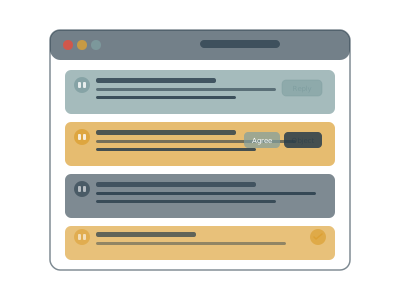
v1 — Claude original

v2 — Codex

v3 — Claude + Codex palette
integrations
Rebuild description
A central hub connecting to external tools. Center: a warm gold (#F7E8CD) hub circle or card representing Loomio. Radiating outward: connector lines (dashed) to 4-6 smaller cards representing external tools (Slack, Microsoft Teams, email, webhooks, etc.). Each tool card is a small white rounded rect with an icon placeholder and label. The concept is Loomio connecting seamlessly into existing workflows. Hub-and-spoke layout.
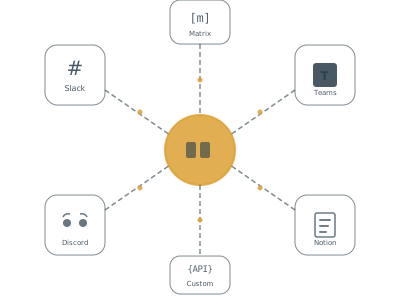
v1 — Claude original
v2 — Codex
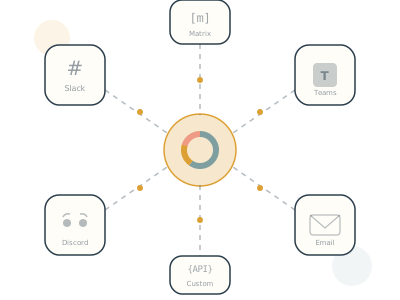
v3 — Claude + Codex palette
legal
Rebuild description
Legal compliance and audit trail. A formal document or certificate card with: an official-looking seal/stamp (gold circle with checkmark), structured text sections suggesting policy/legal language, a vote results summary section with a small stacked bar, and an audit trail section at the bottom with timestamped entries (small dated lines). The warm gold tint on the vote results section and the official seal give it a formal, trustworthy feel. The concept is that decisions are documented, verifiable, and legally defensible.
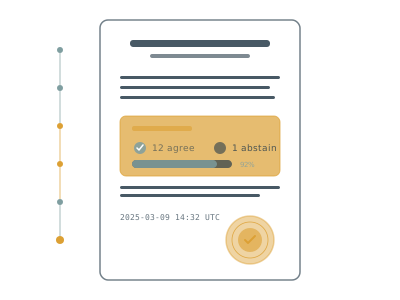
v1 — Claude original
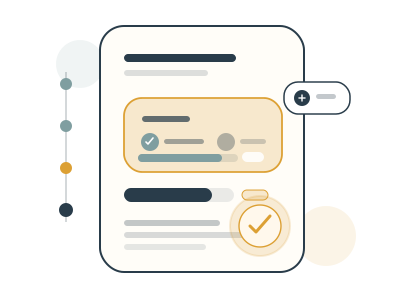
v2 — Codex
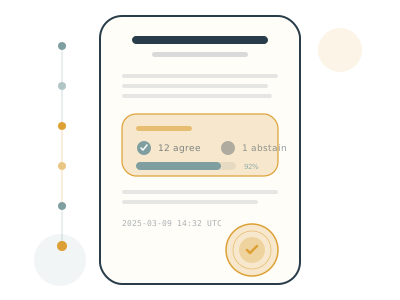
v3 — Claude + Codex palette
privacy
Rebuild description
Privacy and data sovereignty. A shield shape at center — the inner area filled with teal tint (#E9F4F0), outlined in dark blue. Inside the shield: a lock icon or privacy symbol. Outside: region badges or flags (warm gold #F7E8CD rounded rects with country/region labels) suggesting data residency options. The concept is data protection, GDPR compliance, and the user being in control of where their data lives. Secure, trustworthy feel.
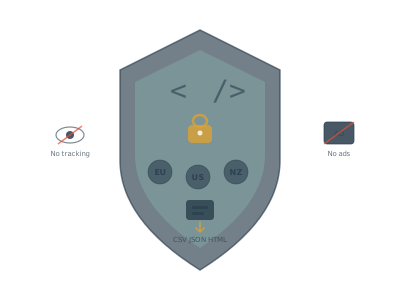
v1 — Claude original

v2 — Codex
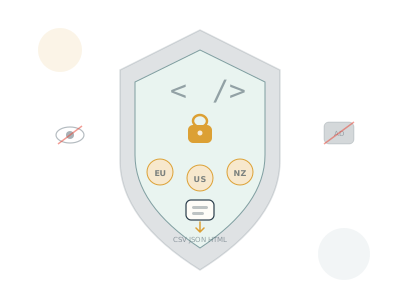
v3 — Claude + Codex palette
accessibility
Rebuild description
Global accessibility and language support. A globe/circle at center in teal tint (#E9F4F0) representing worldwide reach. Around it: speech bubbles in warm gold (#F7E8CD) with text in different scripts/languages (or placeholder text suggesting translation). The concept is that Loomio works for everyone — multiple languages, screen reader support, accessible design. May include an accessibility icon (universal access symbol) or keyboard navigation hint.
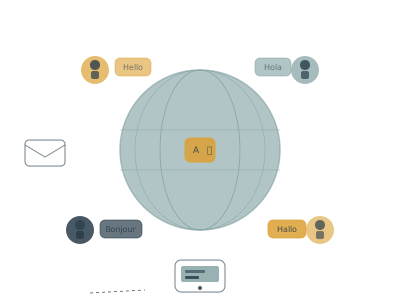
v1 — Claude original
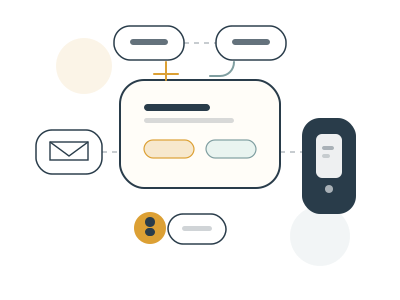
v2 — Codex
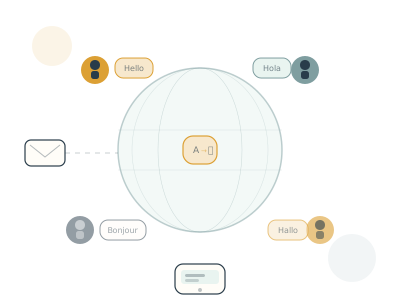
v3 — Claude + Codex palette
New concepts — proposals, decisions, voting with reason
01 — Convergence
Rebuild description
Scattered dots converging into alignment. Left side: 5 colored circles (teal, gold, red at lower opacity) scattered randomly, representing disorganized individual opinions. Curved motion lines flow from each dot toward the center. A faint vertical ellipse in the middle suggests a convergence zone. Right side: the same 5 dots now neatly stacked in a vertical column, each with a small white checkmark inside, representing aligned votes. To the far right: a results card (white rounded rect) showing "80%" in a teal progress bar, text summary lines, and a small gold seal with checkmark. The visual story: from chaos to organized collective decision.
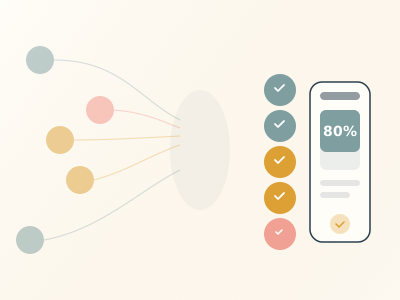
Scattered → aligned with result
02 — Speech to decision
Rebuild description
Discussion transforming into a decision document. Left side: three speech bubbles stacked vertically — teal, gold, and faded white — each with text placeholder lines and a small triangular tail pointing down-left. A curved arrow in the middle points from left to right. Right side: a tall white document card containing (from top): a title bar, description text, a small donut chart (teal/gold/red segments) showing vote results, three voter rows (colored avatar + text), and a dark outcome bar at the bottom with gold checkmark and white text. The story: messy conversation becomes a structured, documented decision.
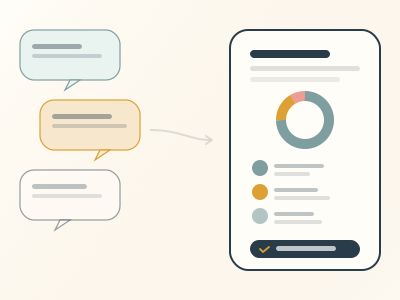
Discussion bubbles → decision doc
03 — Vote with reason
Rebuild description
Three horizontal vote rows stacked vertically, each showing a vote with its reasoning. Each row is a wide rounded rect (rx=18). Row 1 (agree): teal (#E9F4F0) background with teal border, containing a teal avatar on the left, a teal MDI thumbs-up icon, and 2-3 lines of reasoning text to the right. Row 2 (disagree): faded red/pink (#FDE8E8) background with red border at 0.7 opacity, red avatar, red MDI thumbs-down icon, and reasoning text. Row 3 (agree): another teal row like row 1 but at slightly reduced opacity. The concept: every vote comes with a reason, making the thinking visible to everyone. The MDI thumb icons are the split halves of the Material Design thumbs-up-down icon.
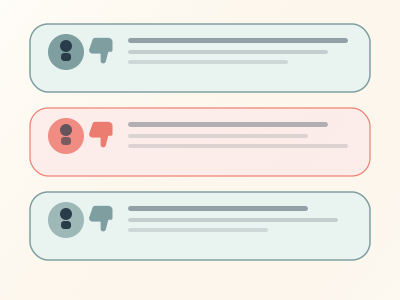
v1 — Votes with reasoning text
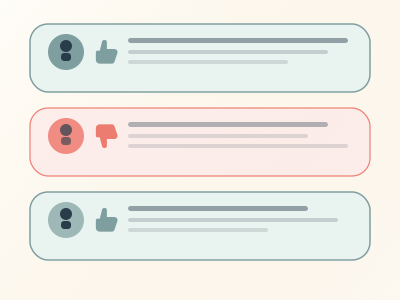
v2 — New custom thumbs
04 — Funnel
Rebuild description
Many ideas funneling down into one clear outcome. Top: 7 idea chips (small rounded pill shapes, rx=14) scattered across two rows in alternating teal, gold, and faded white colors, each with a short text placeholder inside. Below: a trapezoid/funnel shape narrowing downward, very faint (0.04 opacity fill, 0.1 stroke), with small colored discussion dots scattered inside at increasing concentration toward the narrow end. At the bottom: a single clean white outcome card (rx=16) with a bold title, description text, and a teal outcome badge (rx=8) containing a white checkmark and text. The story: many diverse ideas are discussed and distilled into one actionable decision.

Many ideas → one clear outcome
05 — Venn overlap
Rebuild description
Three-circle Venn diagram. Three large overlapping circles (r=90): top-left in teal at 0.12 opacity, top-right in gold at 0.12 opacity, bottom-center in dark blue at 0.06 opacity. Each has a faint stroke outline. Inside each circle's non-overlapping area: a person avatar (colored circle matching the circle's color) with a head and body, plus two faint text lines representing their perspective/idea. In the shared center where all three circles overlap: a white circle (r=30) with a dark border containing a teal checkmark — representing the decision that emerges from the intersection of all perspectives. Simple, geometric, symbolic.
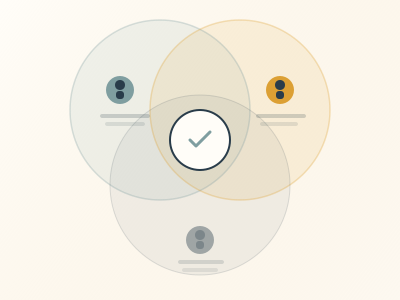
Three perspectives → shared center
06 — Proposal card
Rebuild description
A realistic proposal card UI (same as the "proposal" page illustration). White rounded card (rx=20) with dark border. Contains: bold title bar, 3 description lines at decreasing opacity, a horizontal stacked vote bar (teal agree ~65%, gold abstain, red disagree at 0.5 opacity), three voter rows (avatar + MDI thumb icon + reasoning text), and a dark outcome bar at the bottom with gold checkmark and white label. Small decorative circles in opposite corners of the canvas. This is the most "product screenshot"-like illustration — showing exactly what a proposal looks like in Loomio.
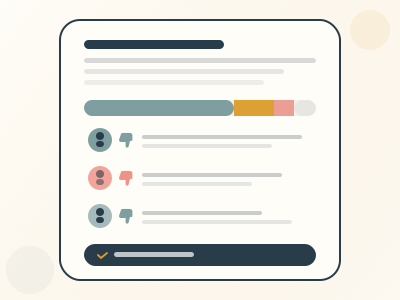
v1 — Live proposal with vote bar + reasoning

v2 — New custom thumbs
07 — Timeline
Rebuild description
A horizontal three-phase timeline showing the Loomio workflow. A thin horizontal line runs across the middle of the canvas. Three phase circles sit on the line at equal intervals. Phase 1 "Discuss" (left): teal-filled circle (#E9F4F0) with teal border, containing a chat bubble icon (two overlapping rounded rects with a triangle tail). Above: a teal card with text. Below: three small people circles. Phase 2 "Vote" (center): gold-filled circle (#F7E8CD) with gold border, containing a ballot checkbox icon (gold rect with white checkmark). Above: a gold card showing a mini vote bar. Phase 3 "Outcome" (right): dark blue filled circle with a gold checkmark. Above: a white outcome card with text. Arrows (line + chevron) connect each phase. Labels below each circle. The flow reads left-to-right: discuss, then vote, then document the outcome.
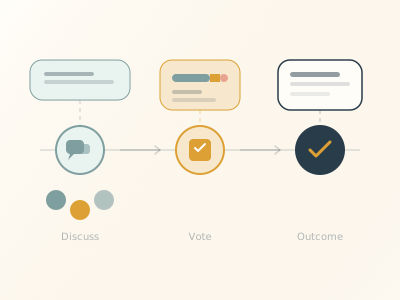
Discuss → Vote → Outcome
08 — Balance scale
Rebuild description
A balance/weighing scale. A triangular fulcrum at center with a small circle at the pivot point. A beam across the top, tilted slightly lower on the left (agree side is heavier). Left pan (lower): a curved pan shape in teal, holding three teal person avatars (circles with head dots) representing agree voters. Above them, two small teal reasoning cards with text, connected by dashed lines. Right pan (higher): a curved pan shape in gold, holding one red person avatar representing a disagree voter. Above it, one small red reasoning card. A base rectangle at the bottom. The visual metaphor: perspectives are weighed — more people agree and their collective reasoning tips the scale. The beam tilt is subtle (left at y=138, right at y=118).
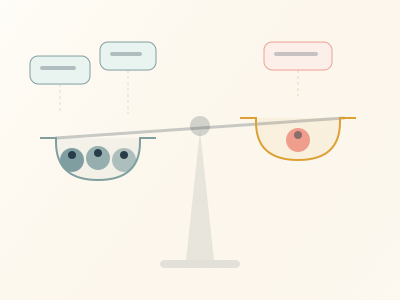
Perspectives weighed with reasoning
09 — Stacked layers
Rebuild description
Four horizontal rounded rectangles stacked bottom-to-top, each progressively smaller and positioned higher, representing layers of a decision process. Bottom "context" layer (320×80, rx=16): white at 0.4 opacity with dark border, faint text lines, labeled "context" in small text at bottom-right. Second "discussion" layer (288×80): teal (#E9F4F0) fill with teal border, containing two comment rows (teal and gold avatars with text lines) and a reaction pill badge, labeled "discussion". Third "decision" layer (256×80): warm gold (#F7E8CD) fill with gold border, containing a title, a stacked vote bar (teal+gold+red segments), and a row of 4 small colored voter circles, labeled "decision". Top "outcome" layer (192×60): dark blue (#293C4A) fill, with gold checkmark, white title text, white description lines, labeled "outcome". The layers overlap slightly, creating a sense of depth and building upon each other.

Context → Discussion → Decision → Outcome
10 — Changed mind
Rebuild description
Someone changes their vote after reading another person's reasoning — the key Loomio moment. Top center: a large gold avatar (r=28, with dark head and body). Middle row, two cards side by side: Left card (old vote): faded red/pink (#FDE8E8) background at 0.4 opacity with red border, containing a faded red MDI thumbs-down icon and text, crossed out with a diagonal red strikethrough line. Right card (new vote): teal (#E9F4F0) background with teal border, containing a teal MDI thumbs-up icon and text. Between them: a small arrow (line + chevron) pointing left to right. Dashed diagonal lines connect the person to both vote cards. Below: a reasoning bubble (teal-bordered rounded rect) showing the persuasive comment — another person's teal avatar, a small gold lightbulb with radiating lines (the "aha" moment), and several text lines. A dashed vertical line connects this reasoning to the vote area above. The story: reading someone's reasoning caused a genuine change of mind.
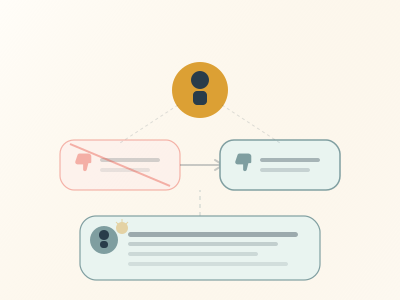
v1 — Reading reasoning → changing vote
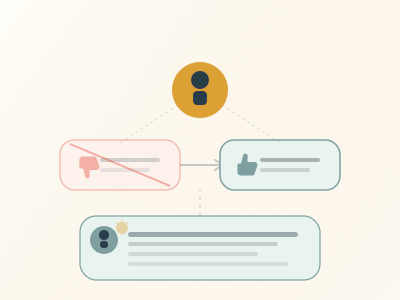
v2 — New custom thumbs
Poll type cards
polls (overview)
Rebuild description
An overview card showing all available poll types. A white card containing a grid or list of small poll type preview cards, each with a distinct icon and label: Proposal (checkmark in circle), Poll (bar chart), Allocate/Dot vote (dots distributed), Score (star ratings), Ranked choice (numbered list), Time poll (calendar grid), Opt-in (hand raised), STV (ranked elimination). Each mini-card has its own accent color. The overview suggests variety — many ways to make decisions. Includes "Proposal" as a poll type alongside the others.
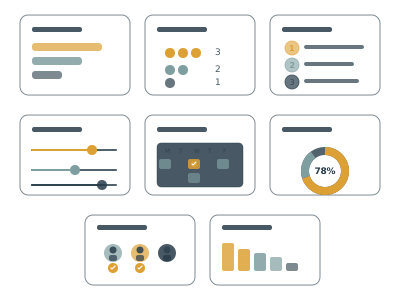
v1 — Claude original
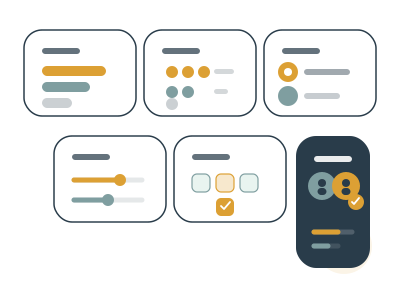
v2 — Codex
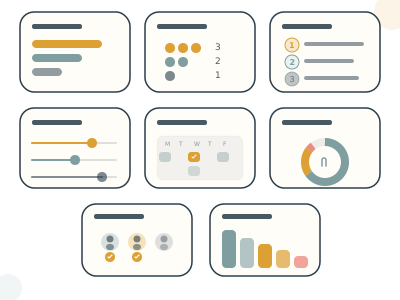
v3 — Claude + Codex palette
poll-simple
Rebuild description
A simple poll (multiple choice). A white card showing a question title at top, then 3-4 option rows. Each option row has: a radio button or checkbox circle on the left, an option label (text placeholder), and a horizontal results bar to the right showing the vote count. Bars are different lengths, the leading option's bar is teal, others are lighter. Small voter count numbers at the end of each bar. Clean, familiar poll UI.
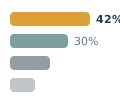
v1 — Claude original

v2 — Codex
poll-score
Rebuild description
A score poll. A white card showing options that each receive a numeric score. Each option row has: an option label on the left, a horizontal bar showing the average score (teal fill), and a score number on the right. Options are ranked by score with the highest at top. May include small star or number indicators. The visual shows quantitative comparison — which option scored highest across all voters.
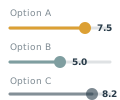
v1 — Claude original

v2 — Codex
poll-dot (Allocate)
Rebuild description
An allocate/dot vote poll. A white card showing options where voters distribute a fixed number of dots/points. Each option row has: an option label, and a row of colored dots (circles) representing allocated points — more dots = more support. The dots are in teal and gold, clustered along each option. A small "points remaining" indicator may appear. The visual shows relative priority — which options received the most allocation from the group. Called "Allocate" (not "dot vote").
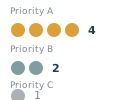
v1 — Claude original
v2 — Codex
poll-ranked
Rebuild description
A ranked choice poll. A white card showing options in ranked order. Each option has: a rank number (1, 2, 3...) on the left in a small circle, the option label, and a horizontal bar showing aggregate ranking score. The top-ranked option has the longest/darkest bar. Small numbered badges or drag handles suggest the ranking interaction. The visual communicates preference ordering — not just which option wins, but the full preference hierarchy.
v1 — Claude original

v2 — Codex
poll-time
Rebuild description
A time poll (meeting scheduler). A white card showing a calendar-like grid. Columns represent dates/times, rows represent people. Cells are filled with colored indicators: teal for "available", gold for "if need be", empty/faint for "unavailable". The best time slot (column with most teal) may be highlighted. Avatars on the left identify each row/person. The visual is a familiar scheduling grid — like a Doodle poll but integrated into the decision-making flow.
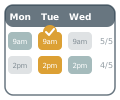
v1 — Claude original
v2 — Codex
poll-optin
Rebuild description
An opt-in poll (volunteer/sign-up). A white card with a title/question at top, then a list of people who have opted in. Each person row shows: a colored avatar, their name (text placeholder), and a teal checkmark or "I'm in" badge. A count at the top shows "X of Y responded". The visual is simple and action-oriented — people raising their hand to volunteer or commit. May include an empty slot or "add yourself" prompt at the bottom.
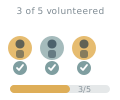
v1 — Claude original
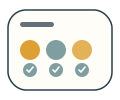
v2 — Codex
poll-stv
Rebuild description
A single transferable vote (STV) poll. A white card showing a multi-round elimination visualization. Multiple columns or rounds, with candidates/options shown as colored bars or blocks. In each round, the lowest-scoring option is eliminated (shown faded/crossed out) and its votes transfer to remaining options (shown with small arrows or flow lines). The final round shows a winner. The visual communicates the progressive elimination process — votes transfer until a clear winner emerges.
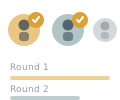
v1 — Claude original

v2 — Codex
poll-sense
Rebuild description
A sense check poll (same concept as the "sense-check" page illustration but as a smaller card). Shows a donut chart with three segments: teal "looks good", gold "needs work", red "wrong direction". Legend labels or a simple key below the donut. This is the temperature-check poll type — not a binding decision, but a quick read on whether the group feels good about a direction. Simpler/smaller than the full sense-check illustration.
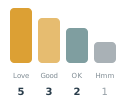
v1 — Claude original
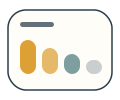
v2 — Codex